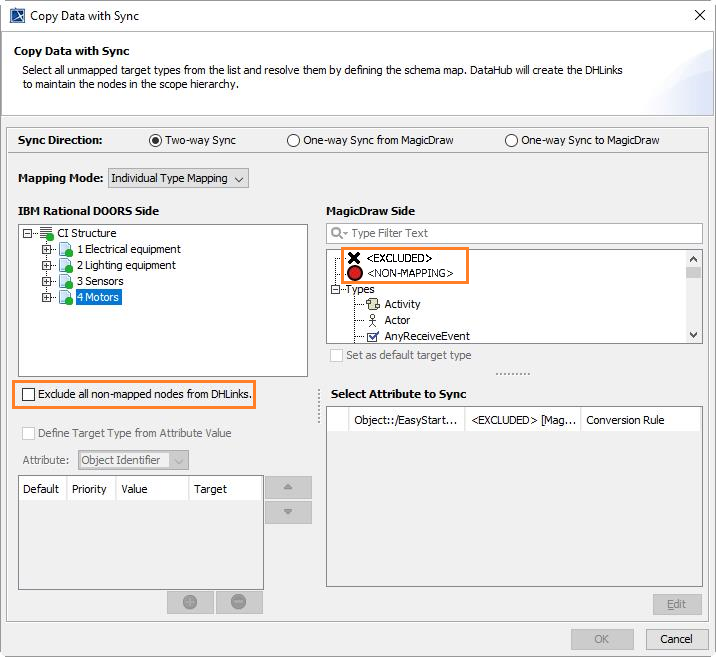
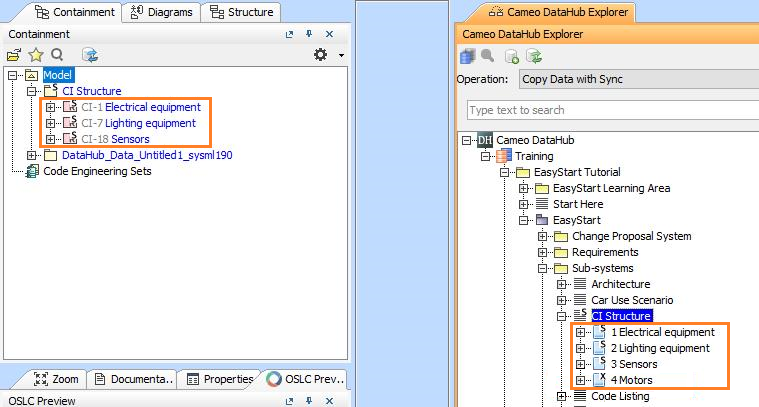
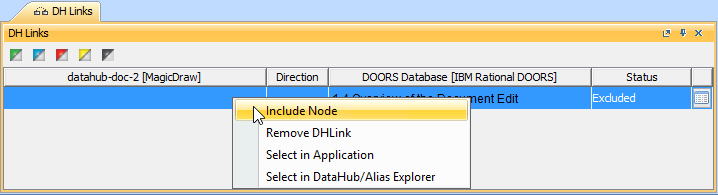
The Copy Data with Sync operation has been enhanced. It no longer requires you to map the whole set of data before copying data. With the Copy Data with Sync operation, DataHub can exclude data types that you do not map when you select as the target type and select the Exclude all unmapped nodes from DHLinks check box, and these nodes will not be copied. Alternatively, DataHub allows you to create the schema mapping for the selected nodes as Exclude by selecting the target type. You can also include the portion of data that has been excluded later.
To exclude a portion of data while copying with DHLink
From the Operation drop-down list in DataHub Explorer, select Copy Data with Sync. The Copy Data with Sync dialog opens.