To import a schema map
- On the main menu, click Tools > DataHub > Schema Map Manager. The Schema Map Manager dialog opens.
- Click Import and choose the schema map file. The template will be updated with the new mapping.
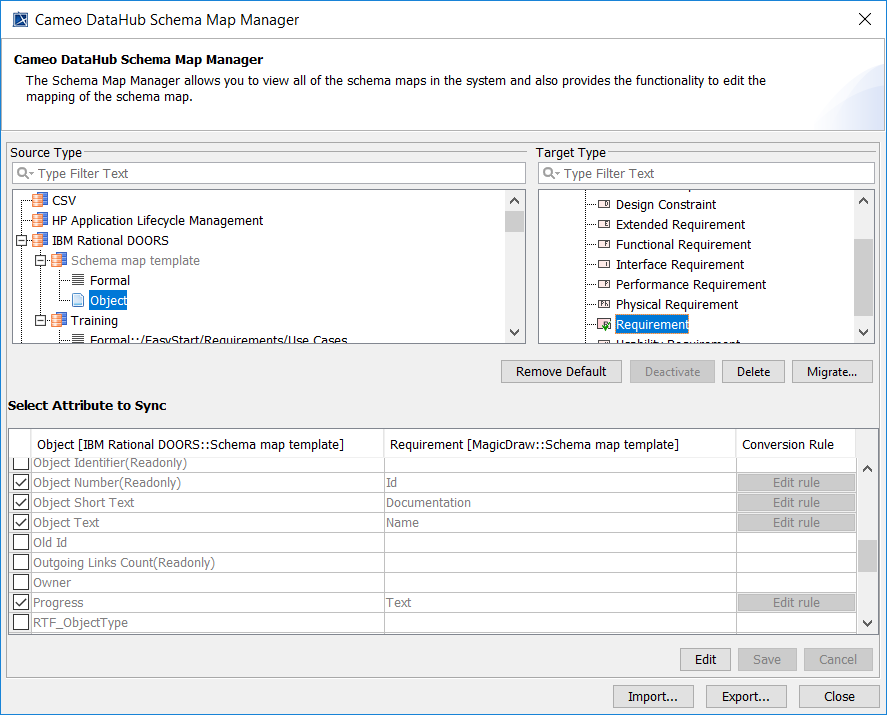
The updated template with the new mapping and without defined attributes.
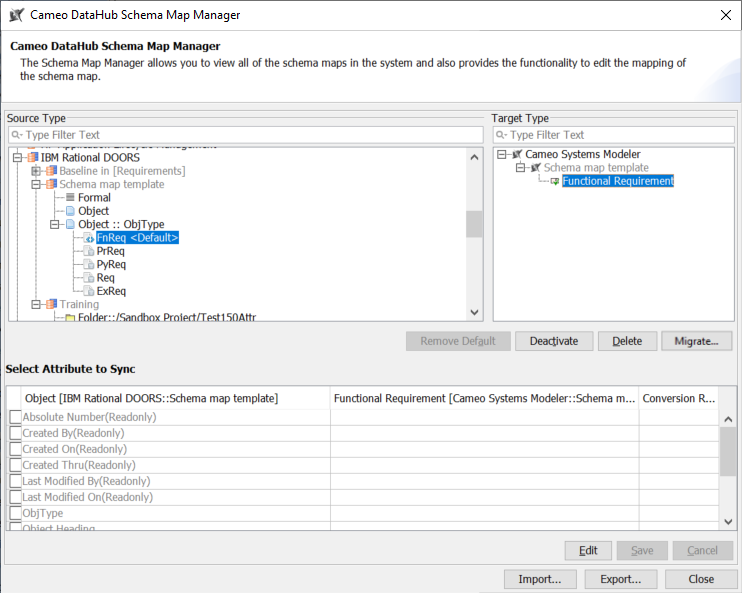
The updated template with the new attribute-defined mapping.