This section explains the JAMA Connect preference in the Cameo DataHub Options dialog.
To configure the JAMA Connect setting
- Open the Cameo DataHub Options dialog.
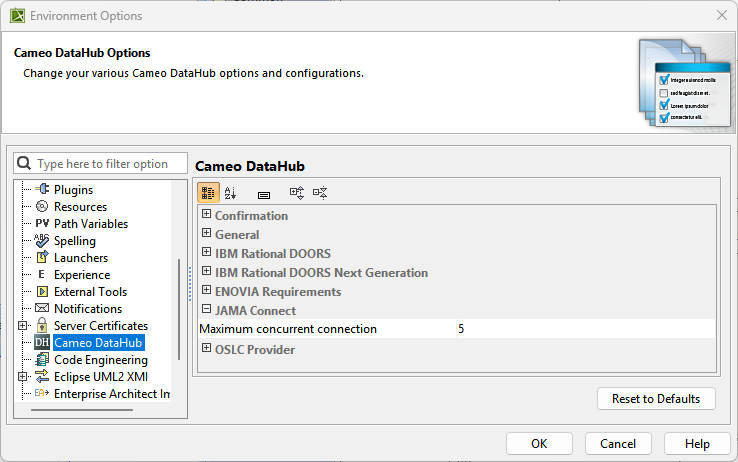
- Go to the JAMA Connect option group and update the option.
The following table explains the JAMA Connect options in the Cameo DataHub Options dialog.
| Option | Function |
|---|
| Maximum concurrent connection | Takes a numerical value for the maximum number of concurrent connections. |