There are two ways to view the License Manager dialog:
- Starting the modeling tool for the very first time.
- Opening the dialog from the modeling tool's Help menu.
When you start the modeling tool for the first time, you will see the following dialog:
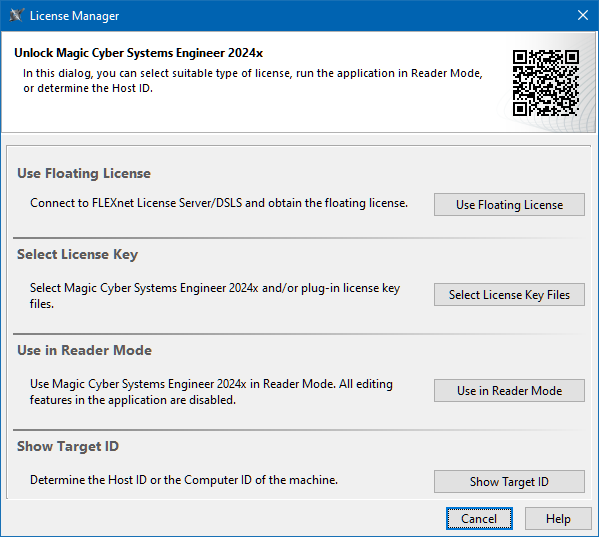
The License Manager dialog
In this dialog, you can select one of the license addition options according to the license you have.
When you need to change the license key file or obtain a floating license, you can open the License Manager dialog from the modeling tool menu (Help > License Manager).