Information
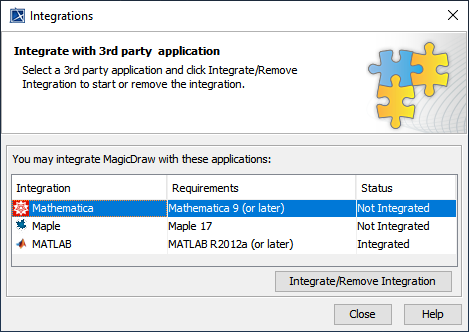
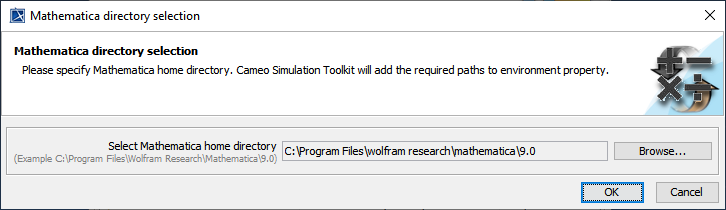
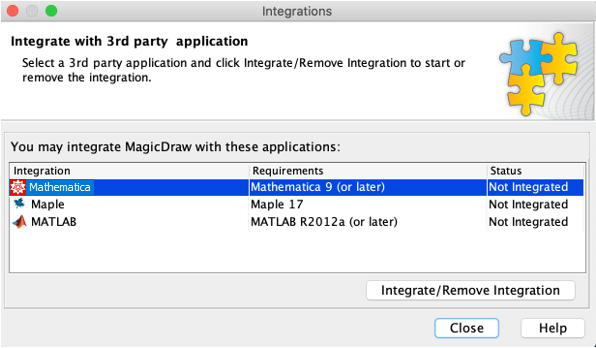
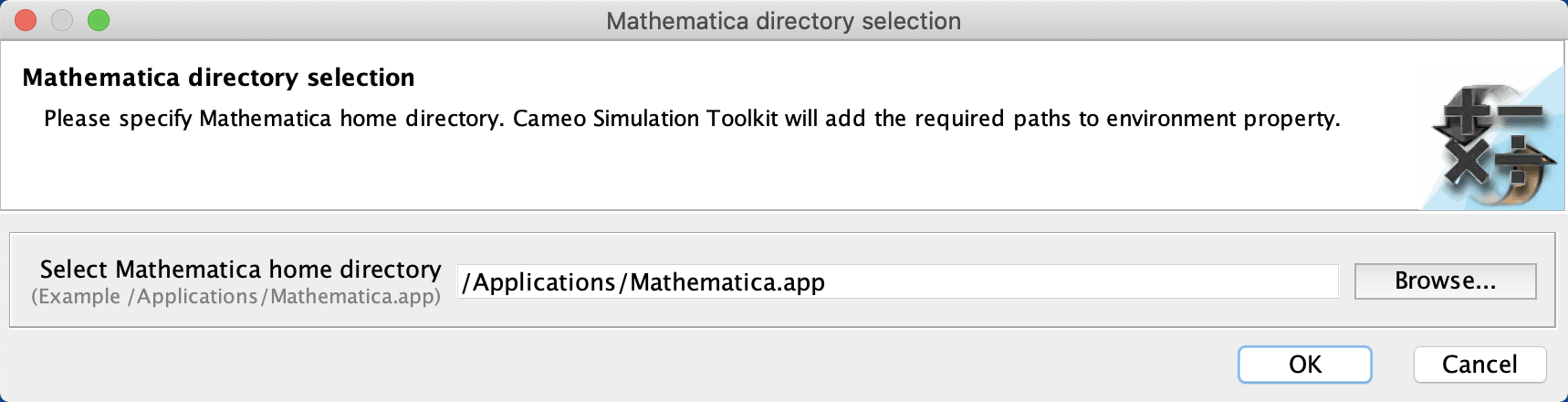
(Only for integration with Mathematica Version 12.3 or later) After completing the steps above using the Integration dialog, you must change JAVA_HOME to JDK 17 by following the steps below:
- Go to https://adoptium.net/temurin/releases/ and download JDK 17 (17.0.8 recommended) for your operating system.
- Open the <install_root>/bin/<modeling_tool_name>.properties file (e.g., magicdraw.properties) with a text editor.
Change JAVA_HOME to the JDK 17 directory and save the file, for example:
JAVA_HOME=C\:\\Program Files\\Eclipse Adoptium\\jdk-17.0.8
TEXT
Restart the modeling tool.