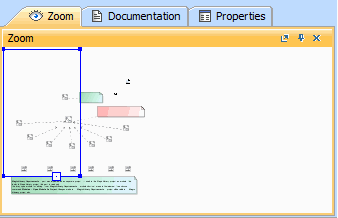
Modeling Tools Getting started Understanding the user interface Current: Quick properties panel Quick properties panel The Quick properties panel has three tabs, as shown in the figure below:Quick properties panelThe Zoom tab zooms in on the current diagram.The Documentation tab shows documentation associated with the selected item.The Properties tab shows the specification and symbol properties of the selected element or diagram.Related pages Zoom tab Documentation tab Properties tab ×