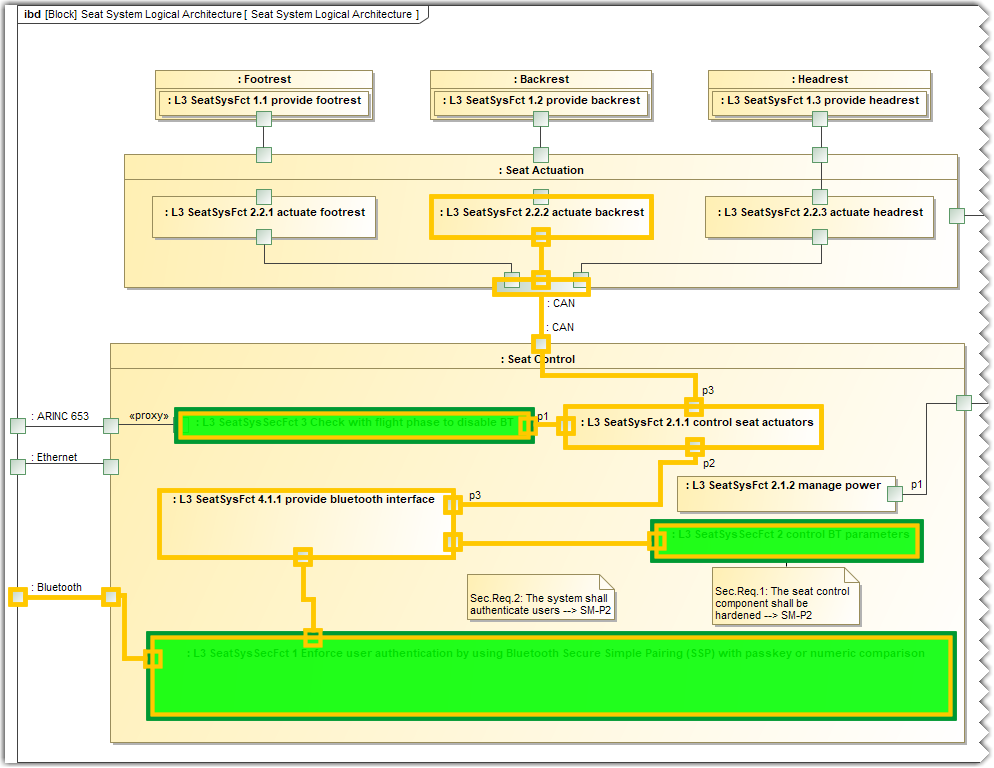
The refined attack path is used in the post-threat risk assessment study to create an attack path that includes security functions.
Refining a Lower-Level Attack Path
To refine a Lower-Level Attack Path
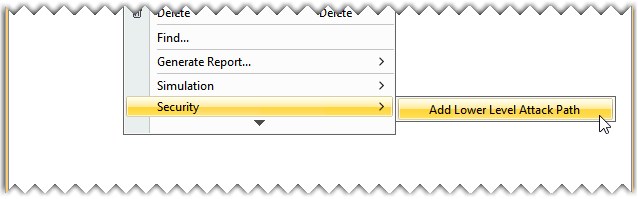
- In the 03 - Attack Paths package, right-click an Attack Path and select Security>Add Lower Level Attack Path.
- From the Select Destination Package dialog, select the required package and click OK.
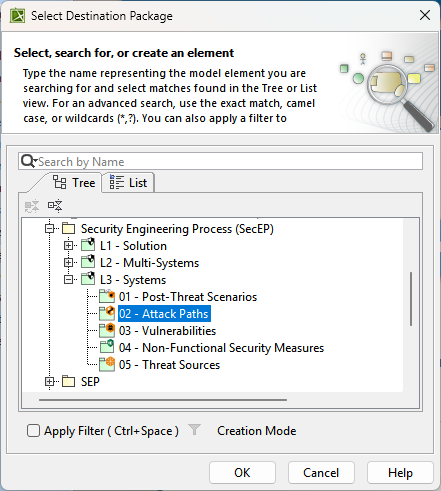
- Name the newly created Lower-Level Attack Path under the 02 - Attack Paths package in the Containment tree.
- Modify the newly created attack path as per your requirement. To learn more about modifying an attack path, refer to the Attack Paths page.