A new Teamwork Cloud installation comes with an empty predefined Standard Libraries category. Below are tips for managing this category:

  • When you add the very first SysML v2 project to the server, this category gets populated with 3DS-provided standard SysML v2 libraries (3DS SysML Customization and Standard Libraries).

    A set of version-specific (e.g., 2026x) Standard Libraries is added to the category only once during initial SysML v2 project creation.

  • To add a SysML v2 Standard Library to the Standard Libraries category, you need the Create Resource permission (Resource Creator role with the Standard Libraries category scope).
  • As new modeling tool versions are released, new version libraries are added to the version-specific branch of an already existing Standard Libraries resource. This requires the  Administer Resources permission (Resource Manager role).

    Important note on roles

    Do not assign the Resource Creator or Resource Manager roles for the predefined category indiscriminately. These roles should be granted only to users responsible for introducing initial SysML v2 capabilities on the server side and to those responsible for upgrading modeling tool versions (including uploading new versions of the Standard Libraries). The automatically assigned Resource Reviewer role is sufficient for all routine SysML v2 modeling activities.

  • Non-standard SysML v2 projects cannot be added to the Standard Libraries category.
  • The Standard Libraries category cannot be renamed or removed.
  • You cannot successfully open a SysML v2 project without resolving the references to the standard libraries in the category. Therefore, each Teamwork Cloud user gets assigned the Read Resource permission through a scoped Resource Reviewer role by default.

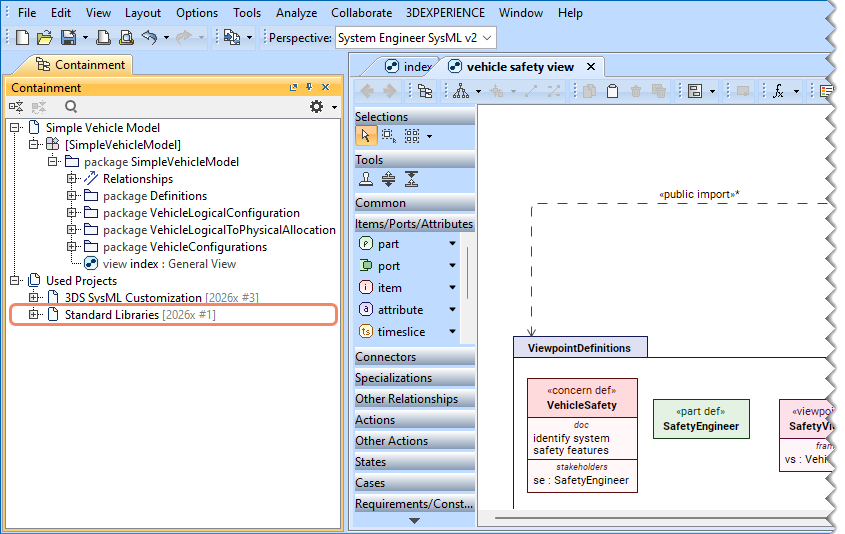
The Standard Libraries package of a SysML v2 project.