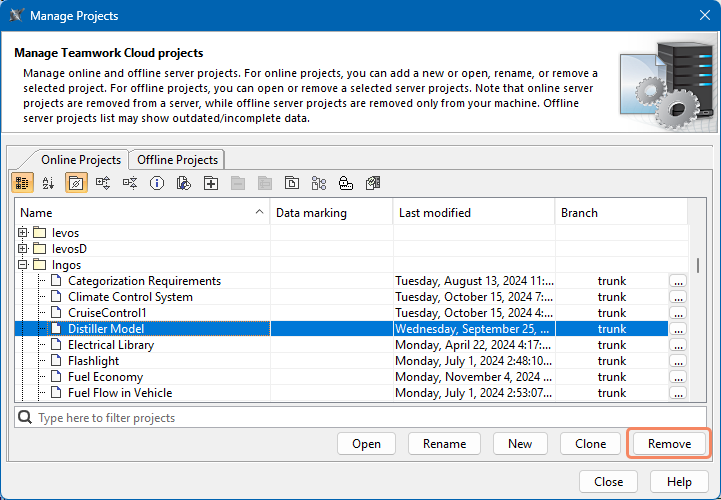
SysML v2 Client-Side Collaboration 2026x Managing server projects Current: Removing projects Removing projects To remove a server projectIn the main menu, select Collaborate > Projects.In the Manage Projects dialog, select the project you want to remove and click the Remove button.In the question dialog, click the Yes button. Removing projects from Teamwork Cloud Removed projects are not permanently deleted from the database. To permanently delete resources from the database, use the Data Manager tool. ×