To rename a server project
- In the main menu, select Collaborate > Projects.
- In the Manage Projects dialog, select the project you want to rename
- Select the project you want to rename.
- Click the Rename button.
In the Name field of the open dialog, type a new project name.
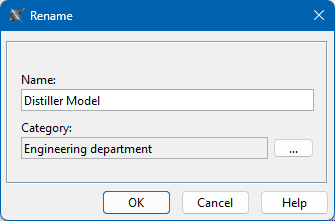
- Optionally, click
 next to the Category box and change the project category.
 - Click OK.