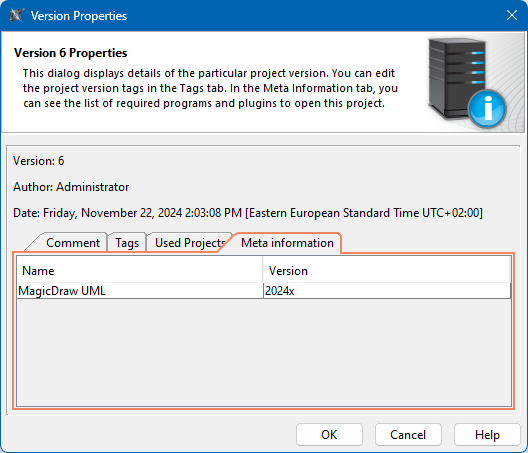
The Version Properties dialog shows project version information, such as comments, tags, used projects, and meta information.
To view version properties
- In the main menu, select Collaborate > Projects.
- In the Manage Projects dialog, do one of the following:
- Select a project and click
 .
. - Right-click a project and select Version Properties.
- In the Version Properties dialog, do the following:
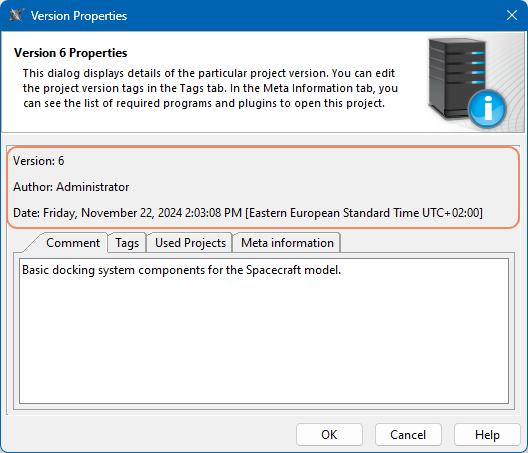
- View the project version, author, and creation date.
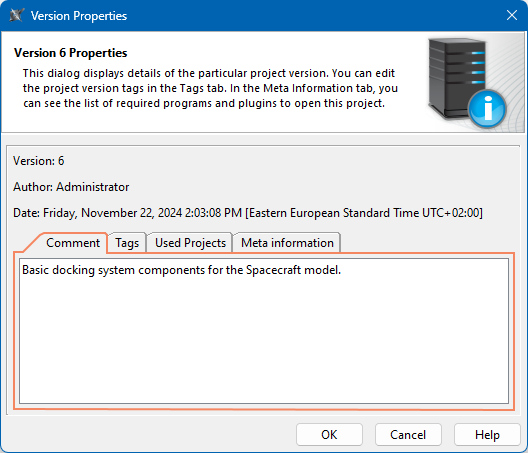
- In the Comment tab, view the commit comment for the project version.
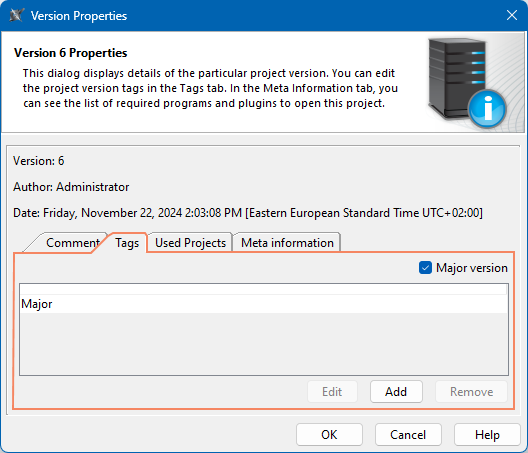
- In the Tags tab, view project version tags.
- In the Used Projects tab, view project usages.
- In the Meta information tab, see which programs and plugins are required to open the project.