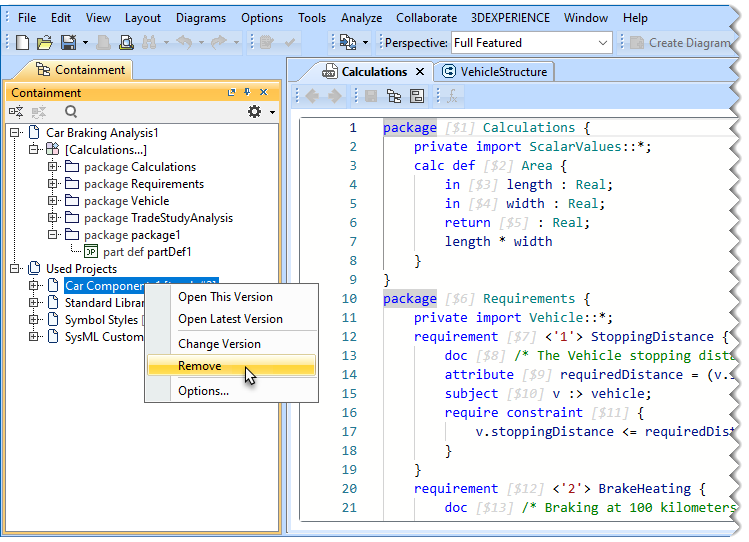
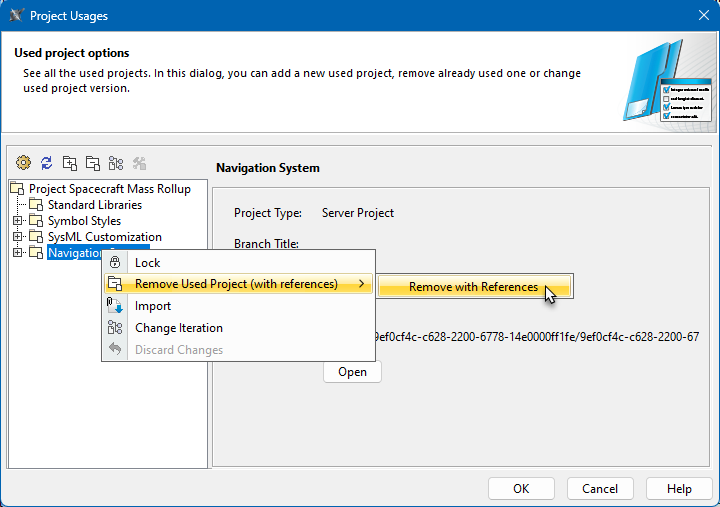
SysML v2 Client-Side Collaboration 2026x Working with used projects Current: Removing used projects Removing used projects If you no longer need to use a project, you can remove it from the main projects via the Containment tree, or the Project Usages dialog. Used projects are removed with all their references. To remove a used project via the Containment treeIn the Containment tree of the main project, expand the Used Projects node.Right-click a used project and select Remove.When the question dialog opens, click Yes to confirm that you want to remove the used project.Removing a used project via the Project Usages dialogOpen the Project Usages dialog:In the main menu, select Options > Project Usages.In the main menu, select Collaborate > Project Usages > Project Usages.Do one of the following:Select a used project and click .Right-click a used project and select Remove Used Project (with references) > Remove with References.When the question dialog opens, click Yes to confirm that you want to remove the used project. ×