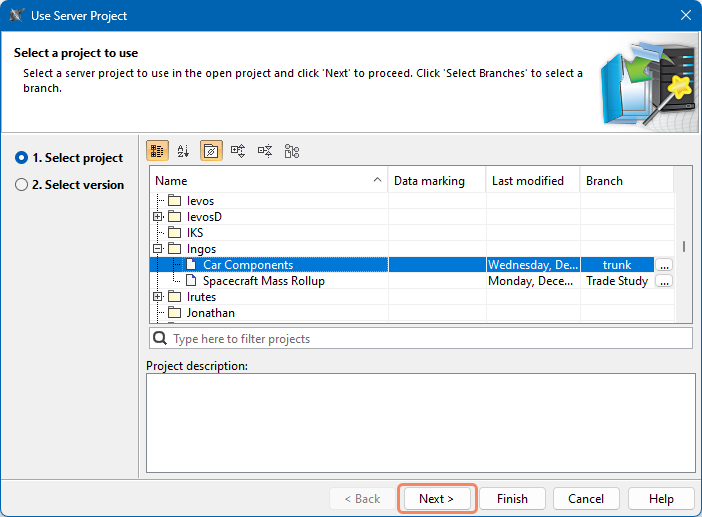
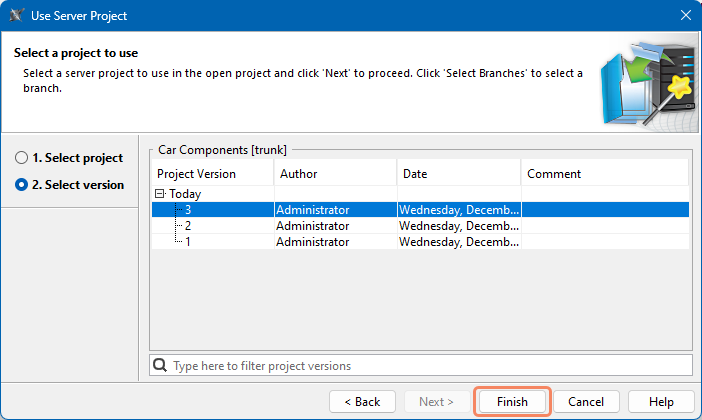
SysML v2 Client-Side Collaboration 2026x Working with used projects Current: Using server projects Using server projects To use a project in another project, you must have the Administer Resources permission. To use a server project in another server projectOpen the Project Usages dialog:In the main menu, select Options > Project Usages.In the main menu, select Collaborate > Project Usages > Project Usages.Click .In the Use Server Project dialog, select the project you want to use and click Next.Select the project version you want to use and click the Finish button.Used projects are displayed under the Used Projects node in the Containment tree and in the Project Usages dialog. ×