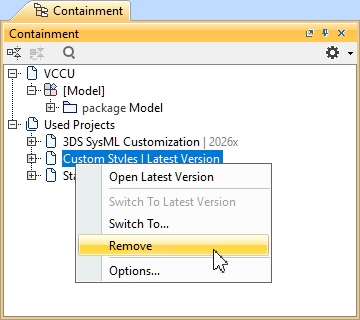
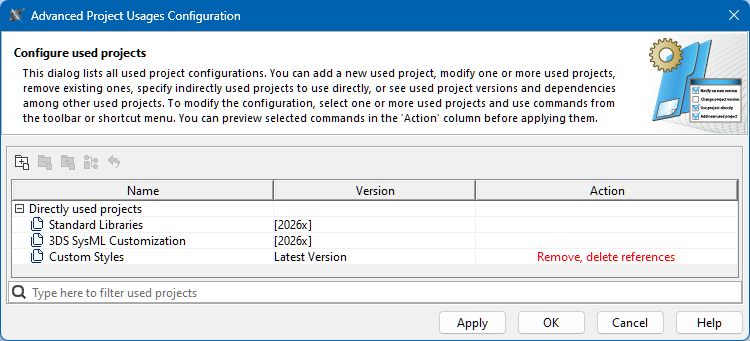
In the Advanced Project Usages Configuration dialog, do one of the following:
Select a used project and in the dialog's toolbar, click the Remove with References button.
Right-click a used project and in the shortcut menu, click the Remove with References command. The cell in the Action column for the removed used project states 'Remove, delete references'.
(Optional) To undo the action, do one of the following:
In the dialog's toolbar, click the Reset Changes for Selection button.
Right-click the used project and in the shortcut menu, click the Reset Changes for Selection command.
Do one of the following:
To save changes and keep the dialog open, click the Apply button.
To save changes and close the dialog, click the OK button.
To discard changes and close the dialog, click the Cancel button.
Click the OK button to close the Project Usages dialog.