A project is a physical working unit that consists of model, model visualizations (diagrams, tables, matrices, etc.), configuration data and references to other elements residing in used projects.
To create a project
- Do one of the following:
- Select File > New Project.
- On the main toolbar, click the New Project button.
- Press Ctrl+Shift+N.
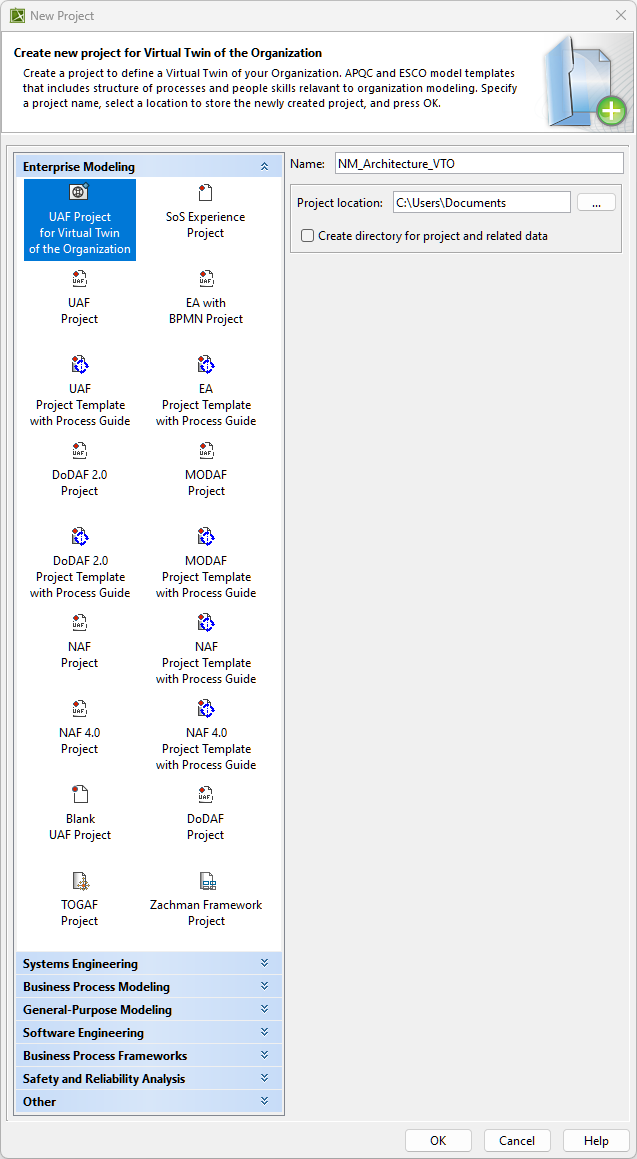
- In the New Project dialog, under Enterprise Modeling, select the project type you want to create.
- Specify name, location, and other preferences if needed.
- Click OK when you are done.
By default, UAF Project for Virtual Twin of the Organization will be selected.