

To create a generalization with a read-only subclass
- Select an element from your model, and drag it into the diagram pane.
- Select a read-only element from a model.
- The notification window displays a WARN message as you create a subclass generalization from the read-only element to your element. The WARN message is shown below.

- The Select Owner dialog opens for you to choose the owner of the newly created generalization.
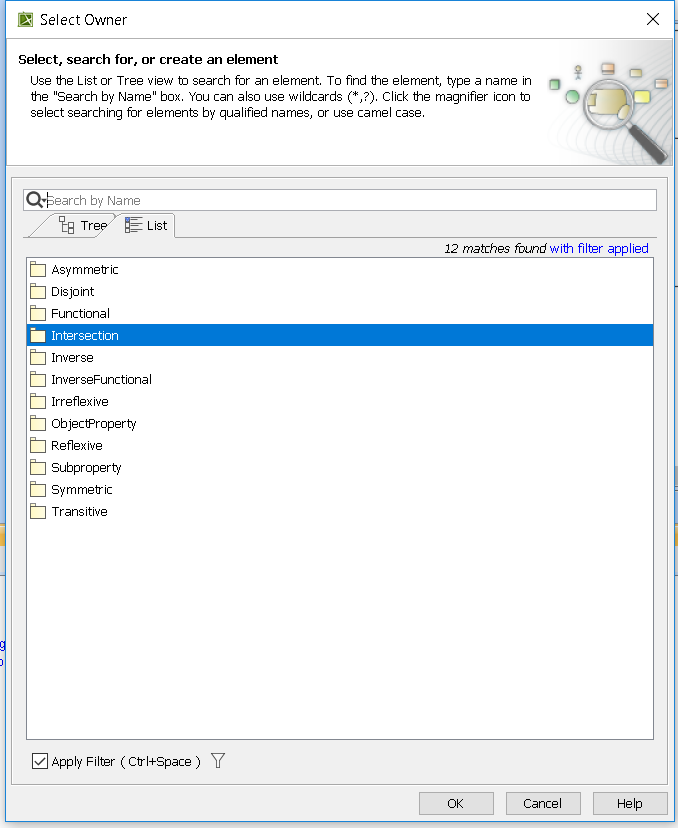
- Click OK.
The final result should look similar to the following:
