
Once you have successfully migrated your data to to a new version of Teamwork Cloud, you Magic Collaboration Studio you must update the projects in the database as well. A project that is not updated will open in the read-only mode. When you open a project in a modeling tool, the following notification appears.
...
- Start the modeling tool and log in to the TWCloud server.
- On the main menu, click Collaborate > Projects. The Manage projects dialog opens.
- Select a project and click Open. A dialog prompting you to update the System/Standard Profiles in the project to allow project editing opens.
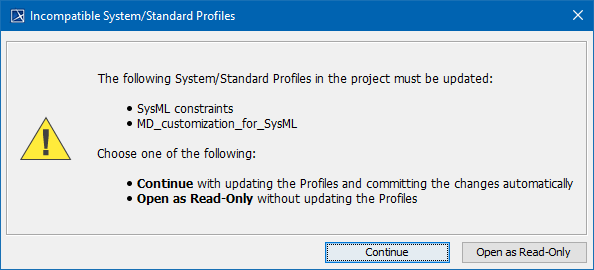
- Click Continue. After the System/Standard Profiles are updated, the modeling tool opens a notification showing that the model was successfully updated.
...