
| Excerpt | ||
|---|---|---|
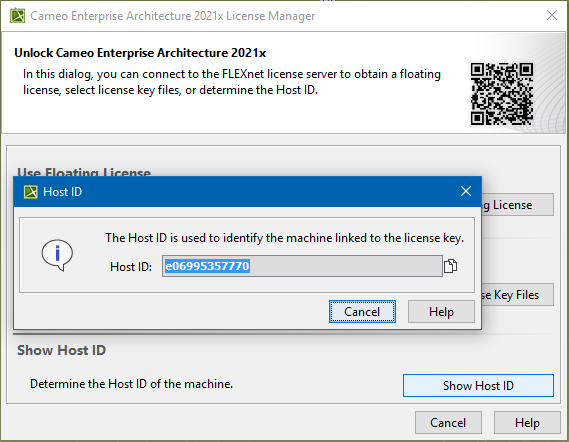
To determine the Host ID/Target ID of the machine on which the modeling tool is installed
|
Page History
Overview
Content Tools
| Excerpt | ||
|---|---|---|
To determine the Host ID/Target ID of the machine on which the modeling tool is installed
|