
...
- Set up authentication to work with your SAML/SSO, if needed.
- Open <twcdir>/AuthServer/config<INSTALL-ROOT>/WebAppPlatform/shared/conf/authserver.properties.
Find key authentication.client.ids and add ,twc-rest-api at the end of the value. Save and close the file.
Note The comma before twc-rest-api is a separator.
- Open <twcdir>/configuration<INSTALL-ROOT>/WebAppPlatform/shared/conf/application.conf.
- Find the esi.auth block and set the server value to your authentication server IP. Save and close the file.
- Restart the Authentication server and Teamwork Cloud server.
...
- Open REST API at the following URL:https://<ip>:8111/osmc/authen/login on a browser to redirect to the Authentication server login page.
- Enter your credentials. The browser shows you a token, usually starting with eyJ….
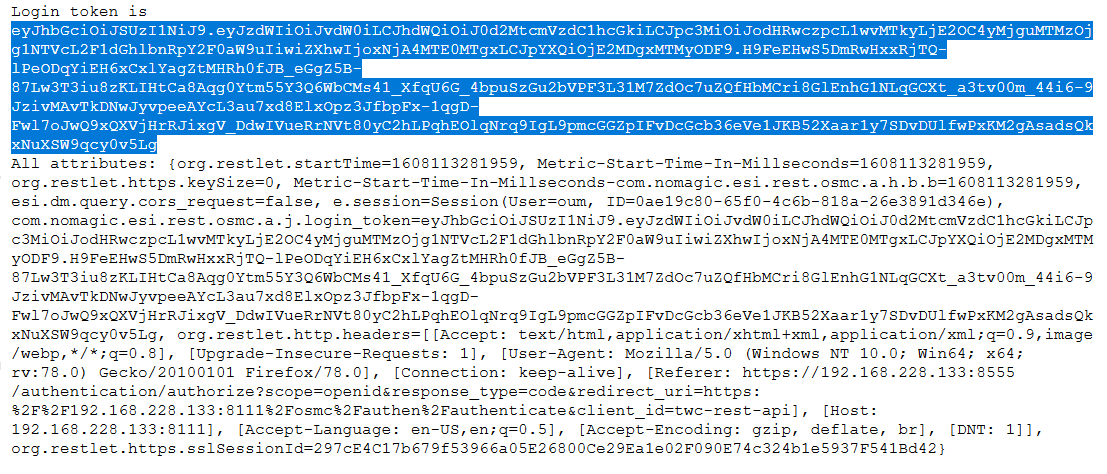
Copy the token and use it to log on to REST API.
Note The token is used in an Authorization header with the Token Type.
...