
...
- In the app bar, click the cloud icon with the yellow dot notifying that there are uncommitted changes (see the image below).
- In the Uncommitted changes dialog, enter the commit message in the Commit message field. This step is optional.
In the same dialog, Click the Commit button to commit model changes to Teamwork Cloud.
Note title Discarding model changes If you want to discard uncommitted model changes, click the Discard button in the Uncommitted changes dialog.
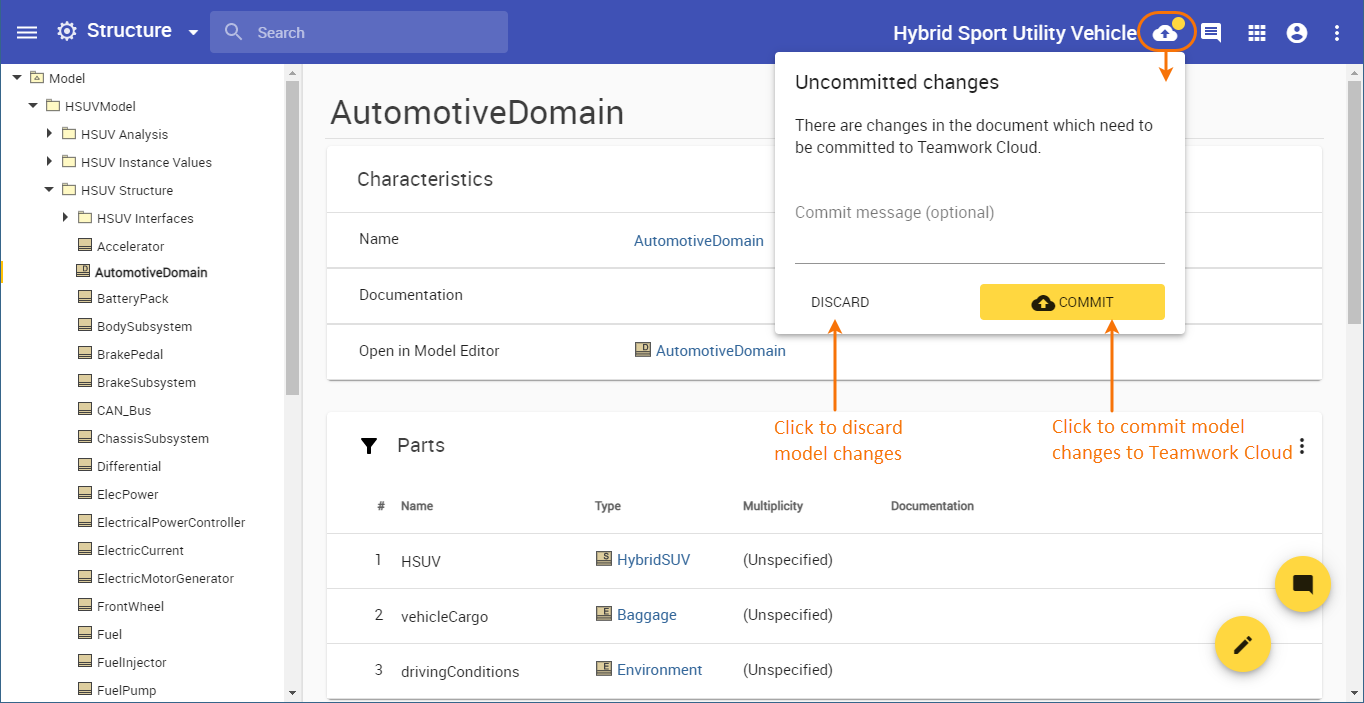
Committing model changes to Teamwork Cloud.
...