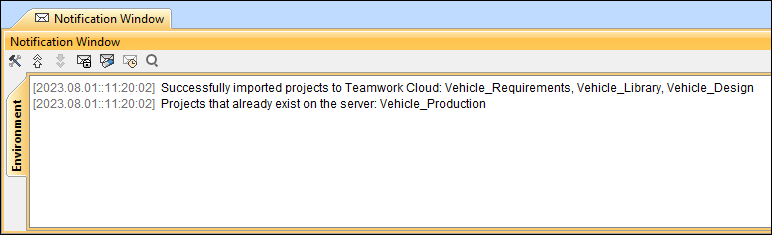
To add a project as a new server project, import the project .szip file.
To import a server project file
- Select File > Import From > Server Project File.
- Select the .szip file you want to use and click Open.
- In the dialog that opens, select the category for the newly added project:
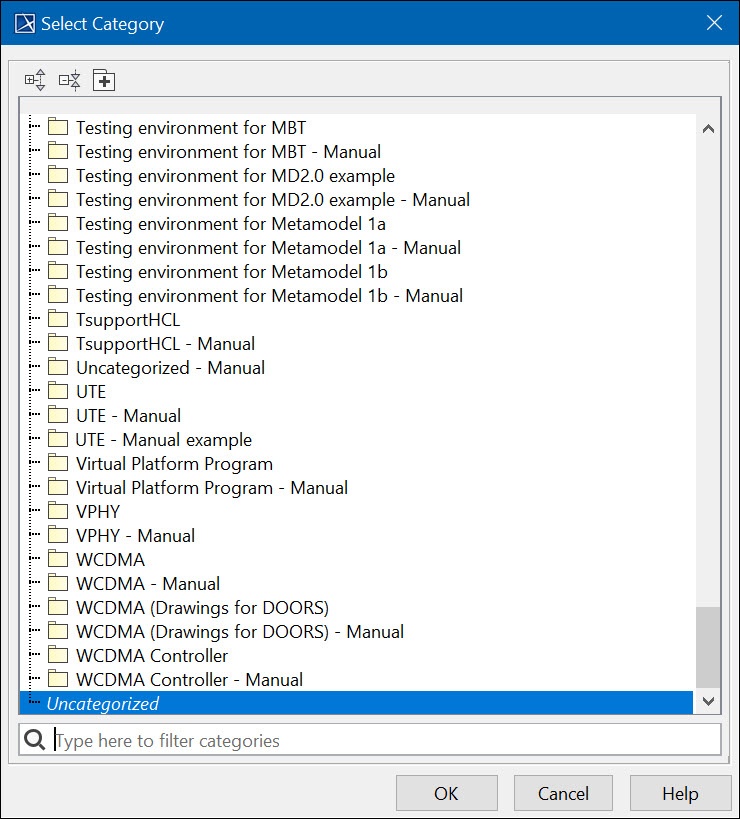
- Click OK. The project will be added as a new server project.
| Note |
|---|
Please note:
|