
...
| id | 1971449394 |
|---|
...
| id | 1971449414 |
|---|
| Content block | ||||
|---|---|---|---|---|
| ||||
On this page
|
...
| id | 1971449404 |
|---|
To set and view the server license, select Server license in the left-side menu of the Settings application. In the Server license page you can:
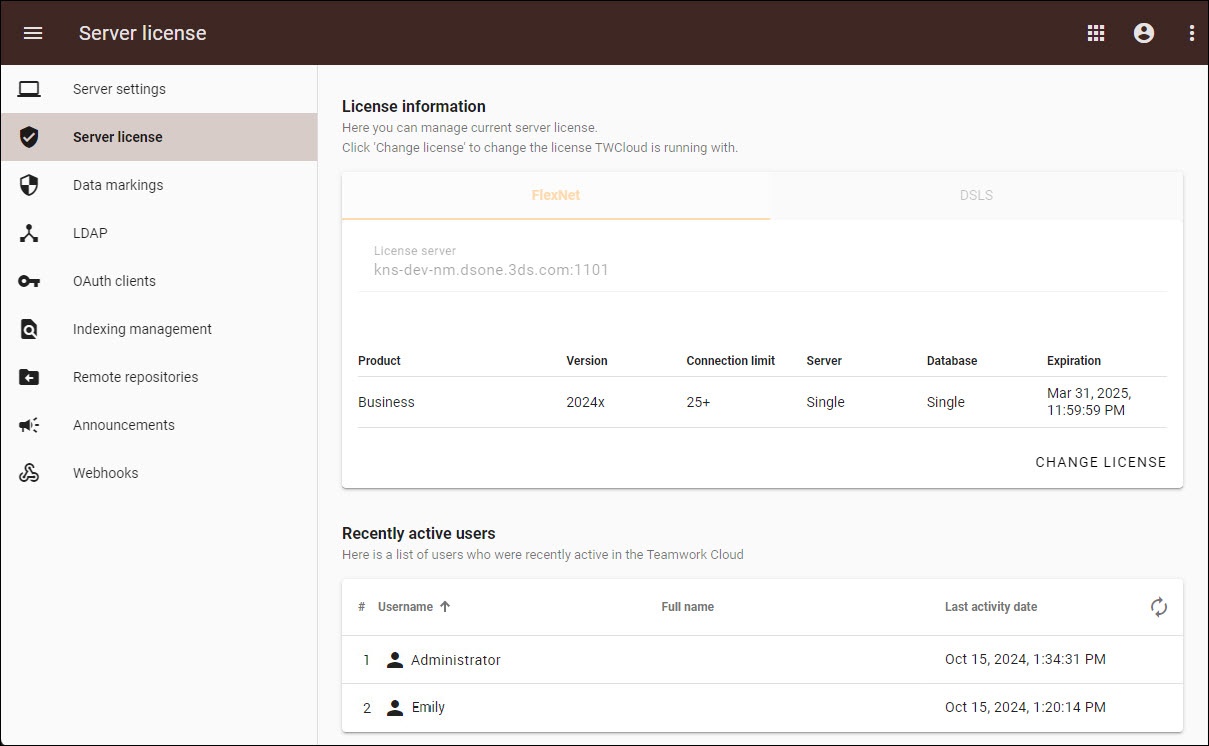
Recently active users
The Recently active users section shows users who have recently logged in to Teamwork Cloud services, such as Teamwork Cloud Admin or Teamwork Cloud through a modeling tool. These users are either currently logged in or have logged out within the last 20 minutes (approximately).
The Last activity date column displays the last time the user performed any action in Teamwork Cloud or Teamwork Cloud Admin.