
...
- Open the Task Scheduler from the Start menu of your Windows computer and select the option to create a basic task.
- Type the task name, an optional description, and click Next.
- Select how often you want the task to reoccur and click Next.
- Specify when you want the task to start and click Next.
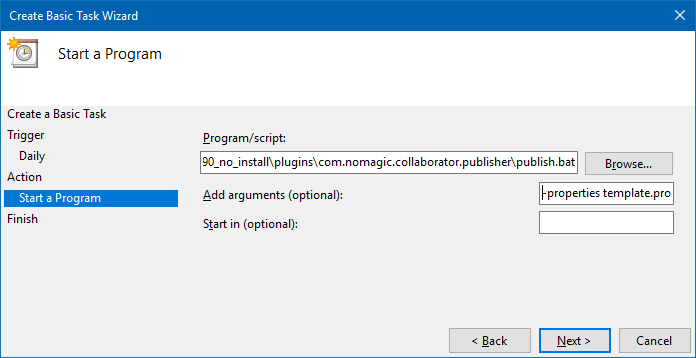
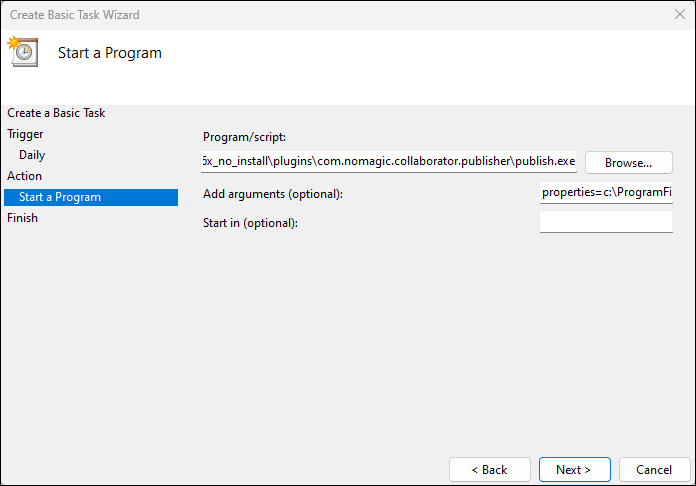
To schedule the publishing to start automatically, select the Start a program radio button and click Next.
Click the Browse button, go to the <modeling tool installation directory>/plugins/com.nomagic.collaborator.publisher directory, and open the publish.exe file.
In the Add Arguments (optional) box box, type -properties PowerBy_type properties=<modeling_tool_installation_directory>\plugins\com.nomagic.collaborator.publisher\template.properties and click Next.
- Click Finish.
To schedule a publishing task on Linux
...