
...
To enable or disable the Cameo DataHub Confirmation dialogs in MagicDraw®
...
- Open the Cameo DataHub Options dialog.
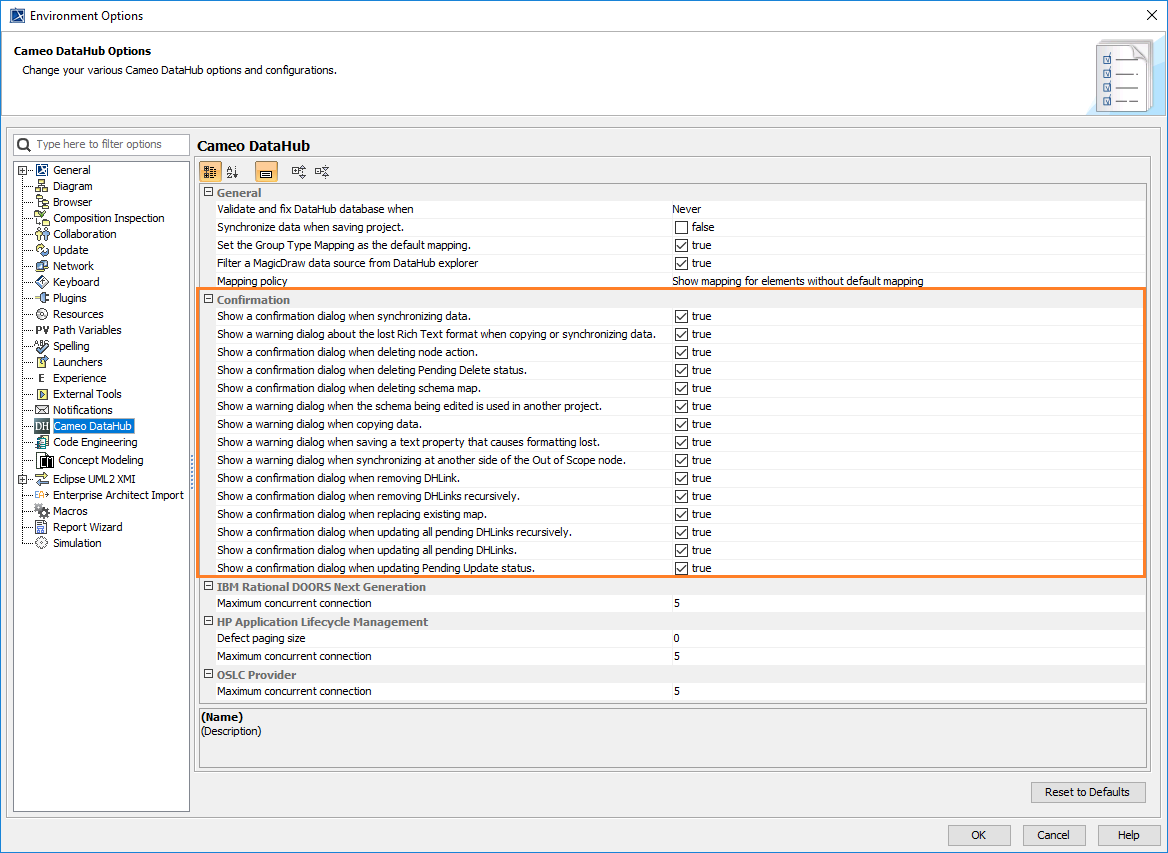
- Select or clear the popup dialogs that you want to enable or disable.
- Click OK.
...
...
To enable or disable the Cameo DataHub Confirmation dialogs in MagicDraw®
...
...