
...
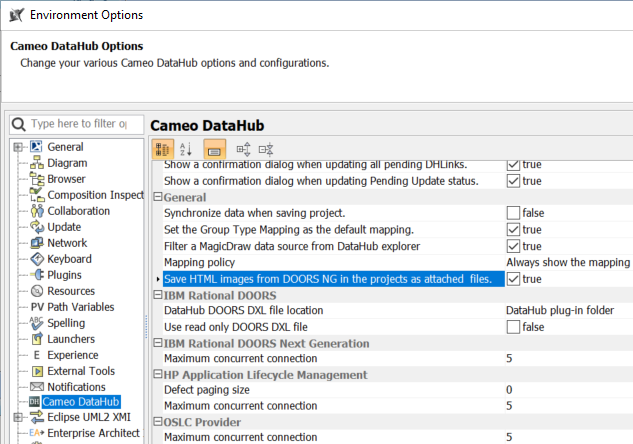
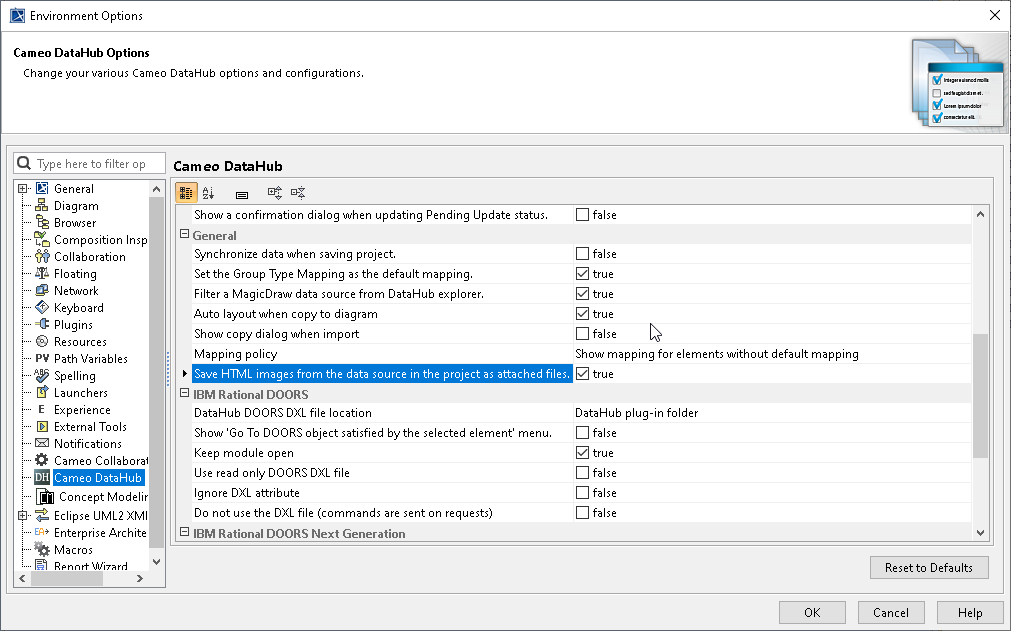
To enable the HTML image support from DOORS Next Generation from the data source in the projects as attached files
...
- On the main menu, click Options > Environment. The Environment Options dialog opens.
- In the left pane, select Cameo DataHub. Under the General group, set the Save HTML images from DOORS NG the data source in the projects as attached files option to true.
To enable the RTF text support
...