
...
- On the User application, click the target user to open the User pane.
- In the Roles card, click Change.
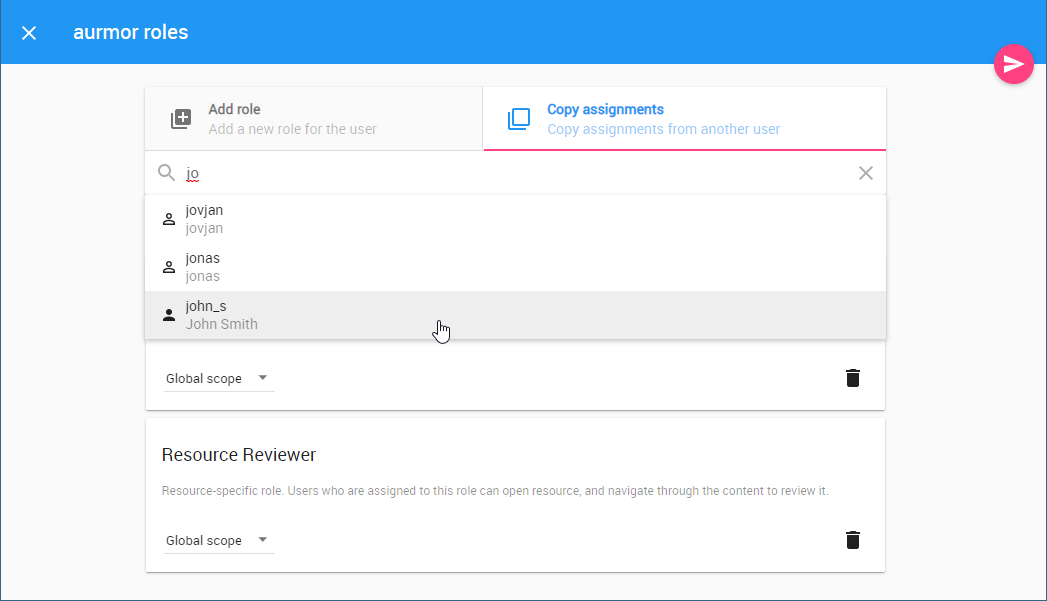
- Select the Copy assignments tab.
- In the search box, start typing the name of the user whose assignments you want to copy.
- Select a username from the search result list. All the roles and assignments associated with the selected user will be automatically copied.
- Click Click
to save the changes.