
In this chapter you can learn how to open a server project from the 3DEXPERIENCE 3DEXPERIENCEplatform.
| Note |
|---|
To open server projects from the 3DEXPERIENCE 3DEXPERIENCEplatform, you must log in to the platform first. |
...
To open a project from the 3DEXPERIENCE 3DEXPERIENCEplatform
...
- Do one of the following:
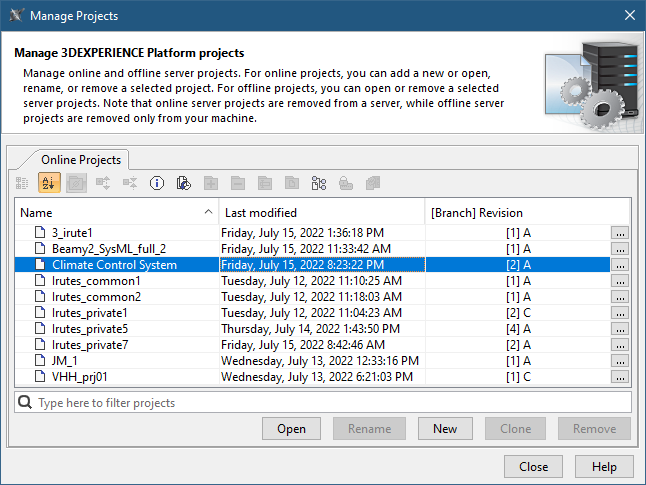
- In the main menu of a modeling tool, select Collaborate > Open Server Project.
- In the main menu of a modeling tool, select Collaborate > Projects.
- In the open dialog, select the project you want to open and click the Open button.
When a project opens, you can start working on it immediately in parallel with other users (if there are any users working on the same project). Make sure to commit changes to the 3DEXPERIENCE 3DEXPERIENCEplatform after you finish working on the project.
...