When you simulate a model related to time (such as a transition with a time trigger), Cameo Simulation Toolkit will obtain the simulation time from a simulation clock. The simulation time is the amount of time spent simulating a model. Cameo Simulation Toolkit also uses the simulation time in the timestamp of a signal instance in a SimulationLog (see Simulation log), in a time series chart (see Time Series Chart), and on messages of a generated Sequence diagram. There are three types of simulation clocks in Cameo Simulation Toolkit: | Note |
|---|
| Nanosecond and microsecond are only supported in the internal simulation clock and model-based clock. |
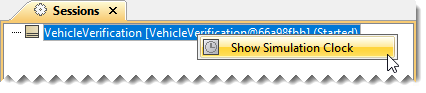
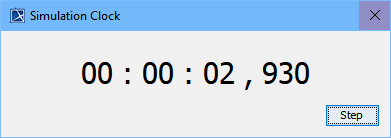
To open the Simulation Clock
| Note |
|---|
| The Step button in the Simulation Clock dialog is available only for the internal simulation clock to allow manually increasing and ticking the internal simulation clock. |
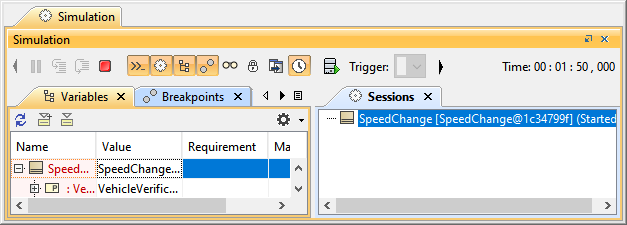
To show orhide the Simulation Time
- Click
 in the toolbar of the Simulation window. in the toolbar of the Simulation window.
| Info |
|---|
By default, the Simulation time is always displayed. |
|