
...
- Open the My account application.
- In the Personal access token area, click the Generate Token button.
- Once the token is generated, click
 to copy it to your clipboard.
You can use a personal access token in the Used Projects Auto Update Wizard with an SSO user.
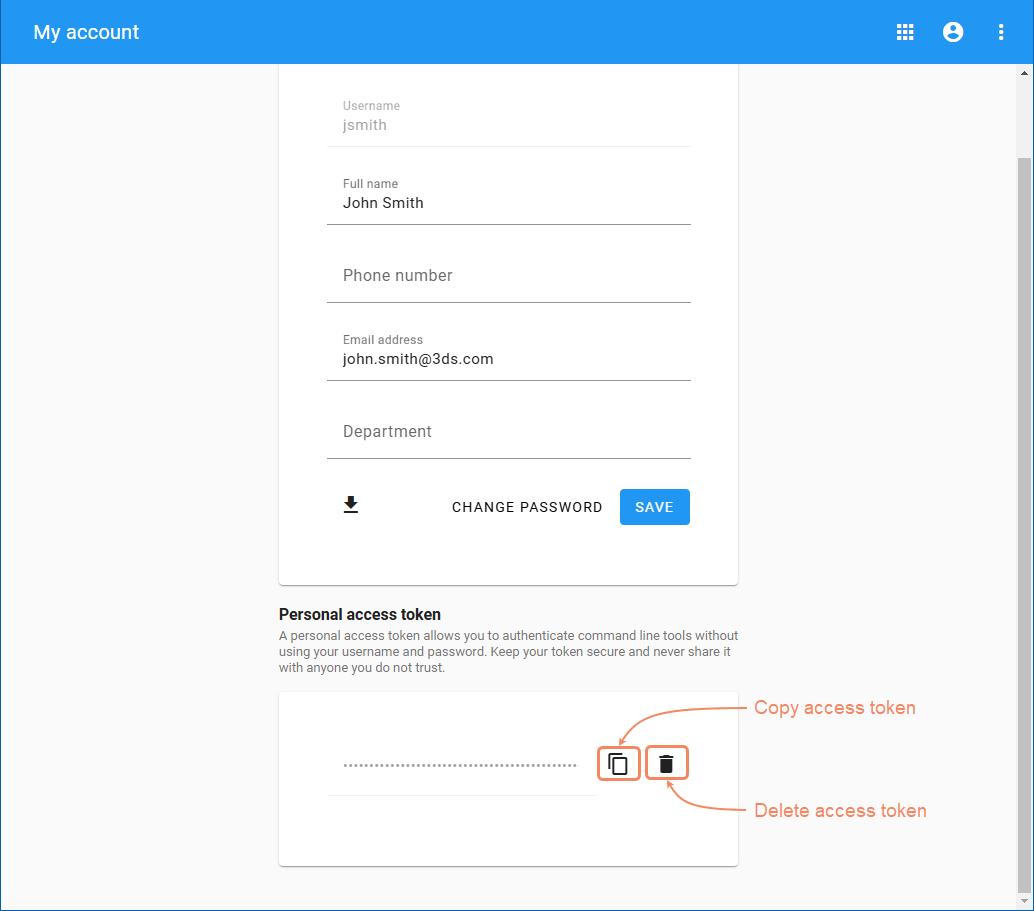
Generating a personal access token.
| Note |
|---|
To invalidate the personal access token, delete it by clicking  . . |