
Page History
...
To create an element group
...
- In the diagram pane or Containment tree, right-click an element.
- Click Element Group > Create Group.
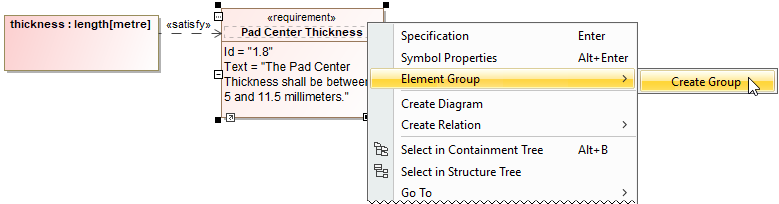
- Name the newly created group and specify other properties.
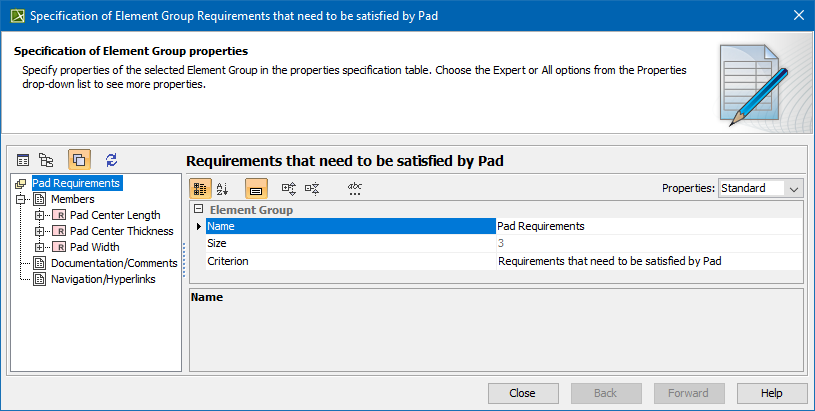
- Click Close when you are done. The element group is created.
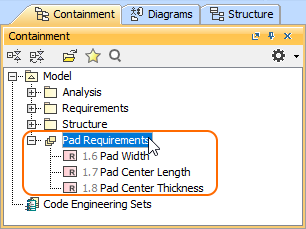
...
To add an element to an element group
...
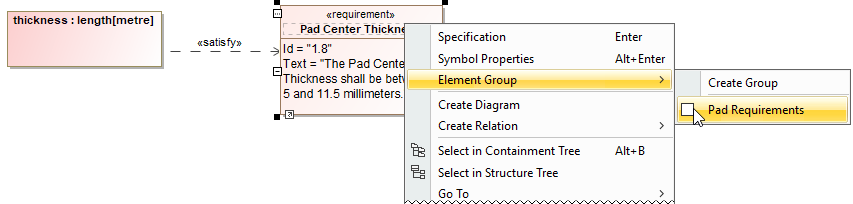
- In the diagram pane or Containment tree, right-click an element and then go to Element Group.
- Check the box next to the group you want to add an element to.
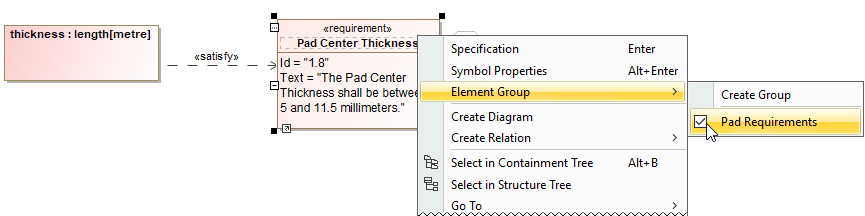
...
To delete an element from an element group
...
- In the diagram pane or Containment tree, right-click an element.
- Uncheck the box next to the group you want to remove an element from.
Overview
Content Tools