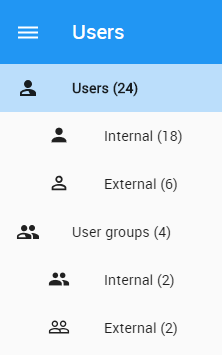
A user group enables you to group users into different categories. You can assign roles to all users in a user group. The user group members will take up the roles and assignments (including the scope) that have been assigned to the user group. You can create a user group, update information, and assign roles to the user group once. They will then be assigned to the members of the user group. You can create, import, update, or remove a user group. When you import a user group from an LDAP server, TWCloud imports the user group as an external user group. The external user group can be resynchronized to update its information with the one in the LDAP server. Moreover, it is possible only to assign roles to only to the external users in the external user group. You can update the external user group information with the one in the LDAP server by clicking the Synchronize button. note |