
...
- MagicDraw® elements
- DOORS objects and modules
- CSV items
- IBM® Rational® DOORS® Next Generation Artifacts
- HP Application Lifecycle Management projects
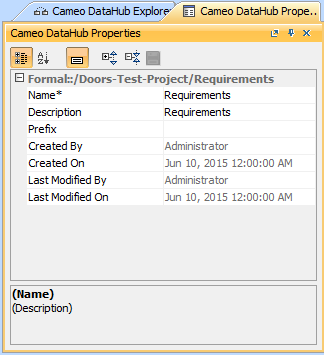
To open the DataHub Properties tab in MagicDraw®, do one of the following
...
- Right-click a node in DataHub Explorer and click Properties.
- Double-click a node in DataHub Explorer.
The DataHub Properties tab opens in MagicDraw®, and the properties of the selected item are displayed.
| Note | ||
|---|---|---|
| ||
|
...