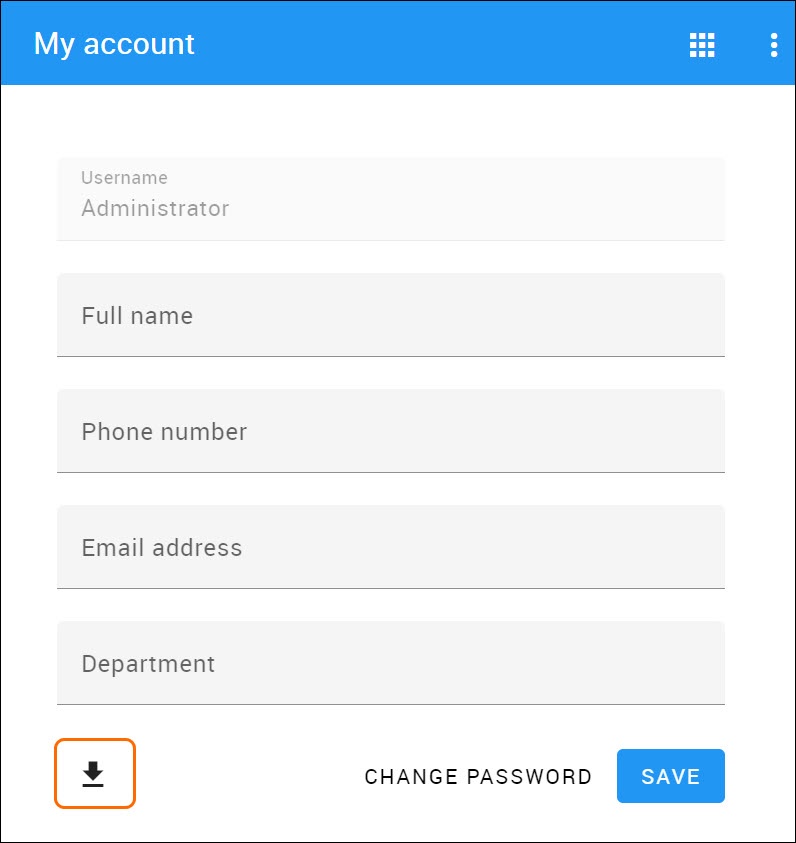
You can download a user's permission report and view the permissions they were assigned in Excel format.
To download the permissions report, you must have the following permissions: List All Resources, Manage Security Roles, and Manage User Permissions.
To download the permissions report
Do one of the following:
- In the Users application, click
 next to the user and select Generate permissions report.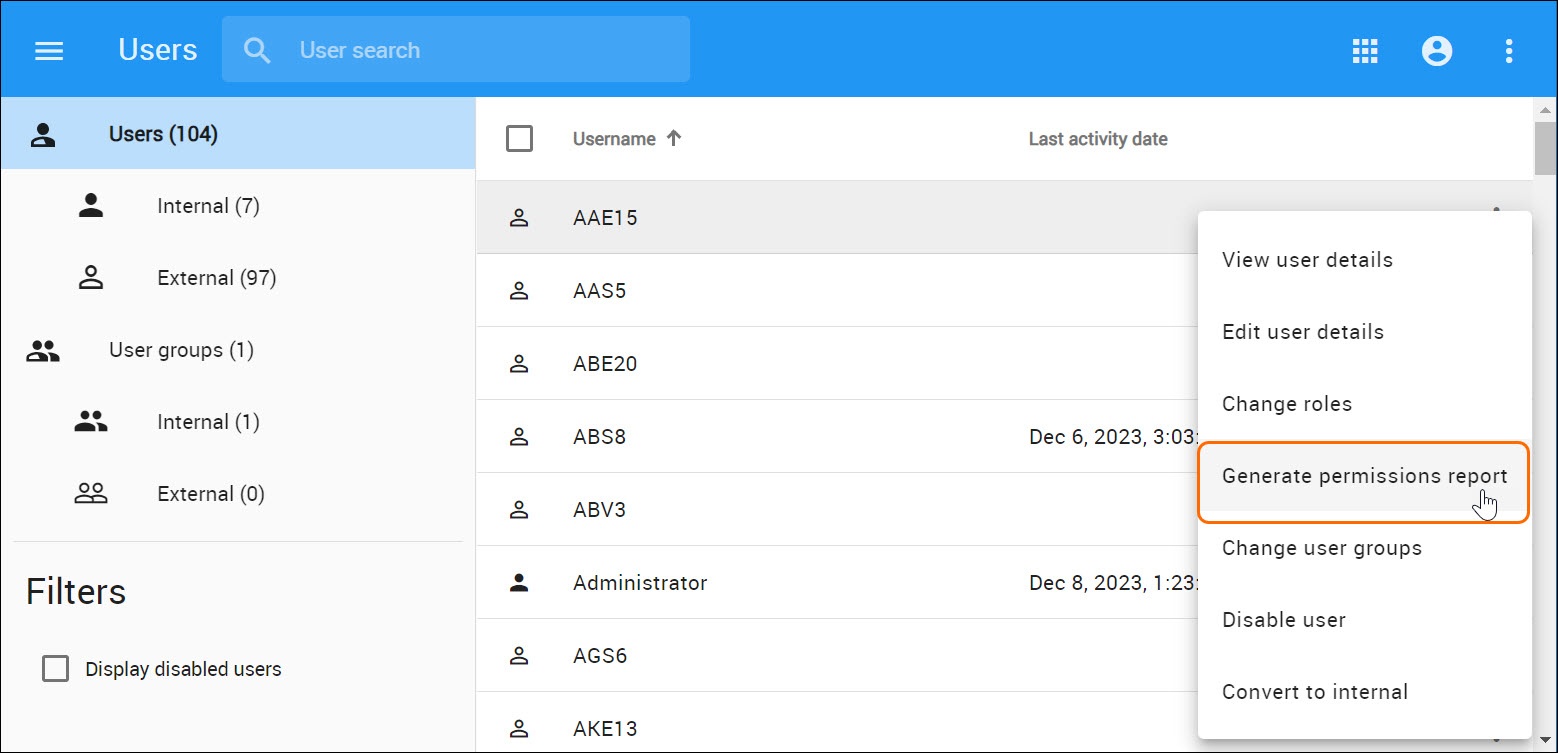
- In the My account application, click
 at the bottom left corner to download the report.