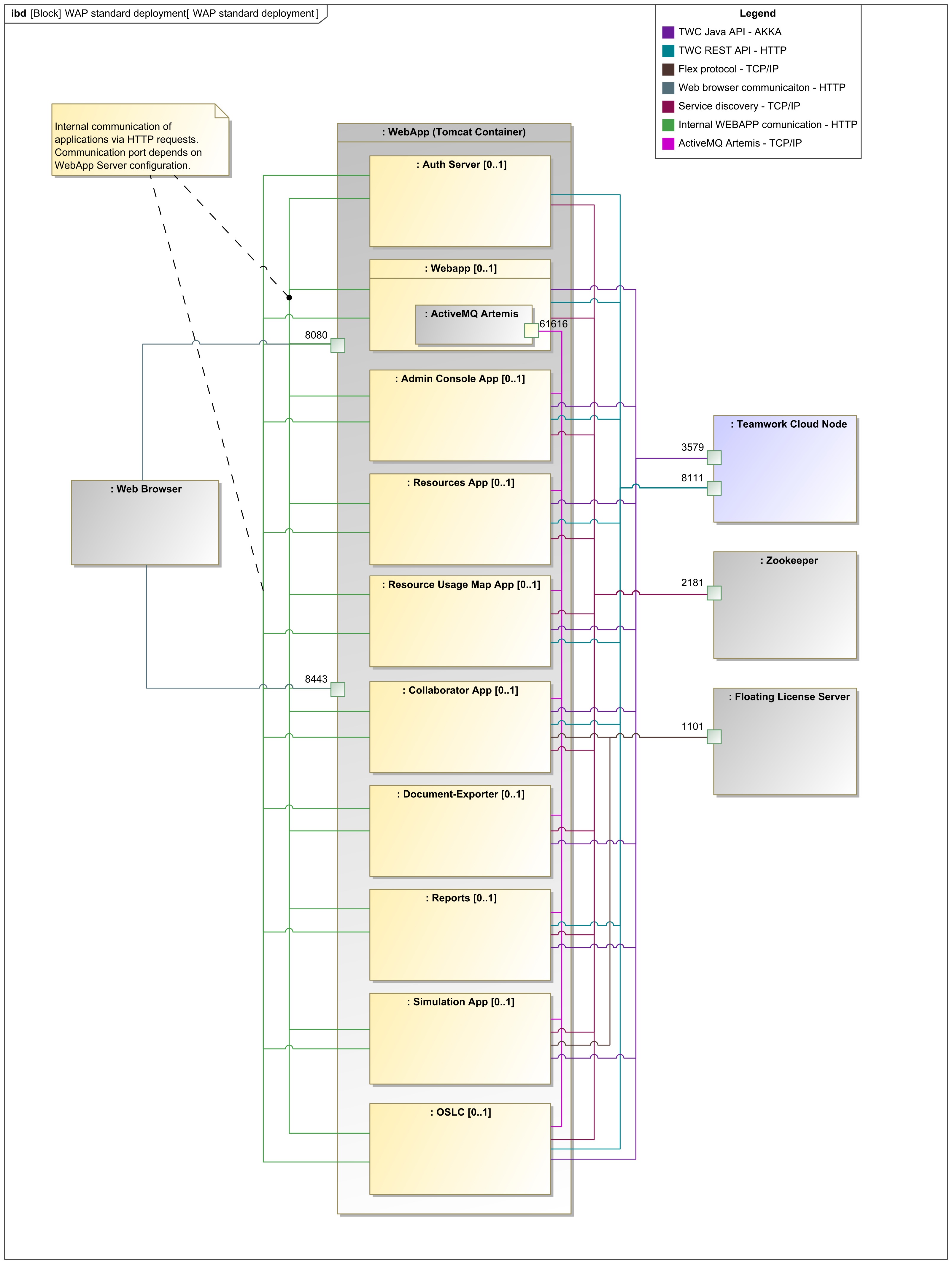
The following chapters will give you step by step instructions on how to install and upgrade Web Application Platform and its services:
- Installing Web Application Platform on Linux
- Installing Web Application Platform on Linux with GUI
- Installing Web Application Platform on Windows
- Installing Web Application Platform manually
- Using no-installer
- Upgrading Web Application Platform
Important
When installing Web Application Platform on a separate machine, ensure you use the installation files from the specific Magic Collaboration Studio installation bundle. If you use any other version of files, the licensing system will not function properly, as the Web Application Platform will not be linked to Magic Collaboration Studio license management.