

The CATIA FLXML plugin allows you to export the images of elements if the CustomImageHolder has been set to an element transformed to an FL reference in the 3DEXPERIENCE platform. For example, the diagram displayed below can be exported as the following logical view.
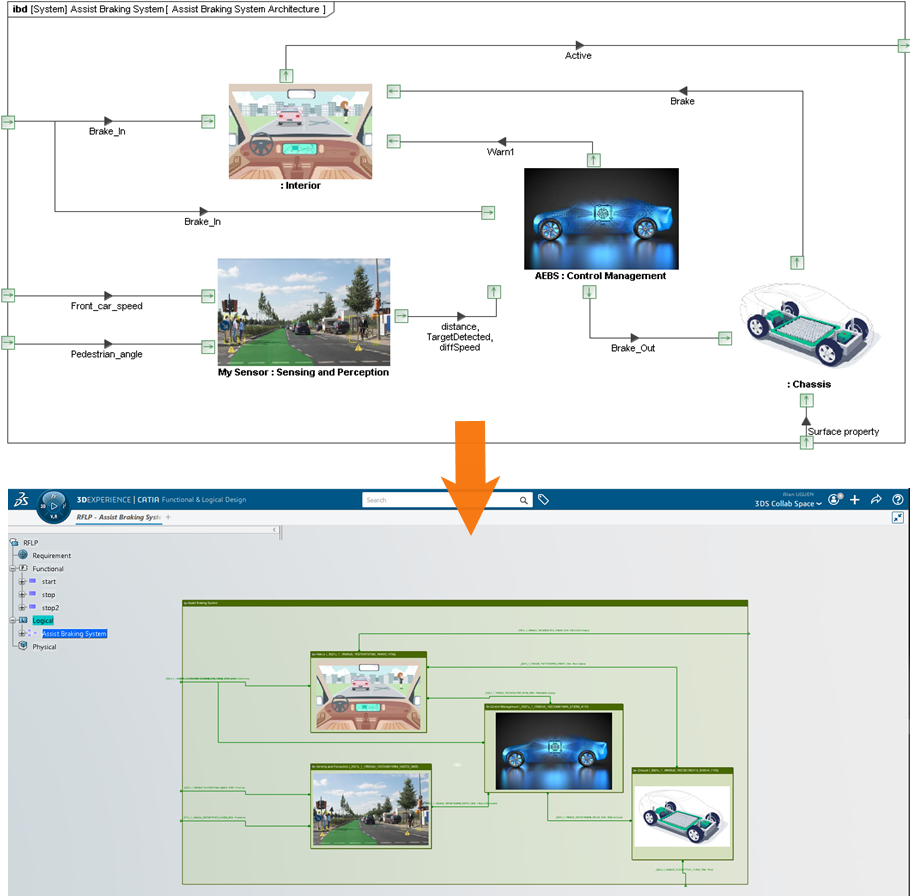
An example of exporting the image of a model diagram.
To export images of model elements
- In the main menu of a modeling tool, go to Options > Environment.
- On the left side of the Environment Options dialog, select CATIA FLXML Exporter option group.