SysML Plugin TWRT Documentation


This page describes how to simulate the Humidifier example model in Dymola. Learn more about Humidifier sample model >>
You can find the Humidifier sample model in:
- the modeling tool: Welcome window > Samples > Simulink and Modelica Transformation > Humidifier.
- the Installation directory: <modeling tool installation directory>\samples\SysML\Simulink and Modelica Transformation\Humidifier.
To simulate the Humidifier System model
- Export the HumidifierSystem Block to the Modelica file. To learn more, refer to the Modelica export page.
- Download and install Dymole in your system. To learn more, refer to the Dymola page.
- Launch the Dymola.
- Click File > Open > Load... and select the saved HumidifierSystem.mo file from your directory. The Humidifier System model is displayed in the Package Browser.
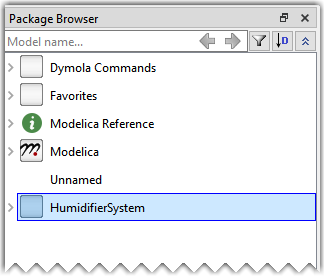
- In the Graphics tab toolbar, click Check to check for syntax and semantic errors in the model. The Logs panel displays whether the model is ready for simulation.

- Setup the simulation run for the model:
a. Select the Simulation tab and in its toolbar click .
.
b. In the Simulation Setup dialog, specify the Start time value to 0 and the Stop time value to 3600 seconds.
c. Click OK.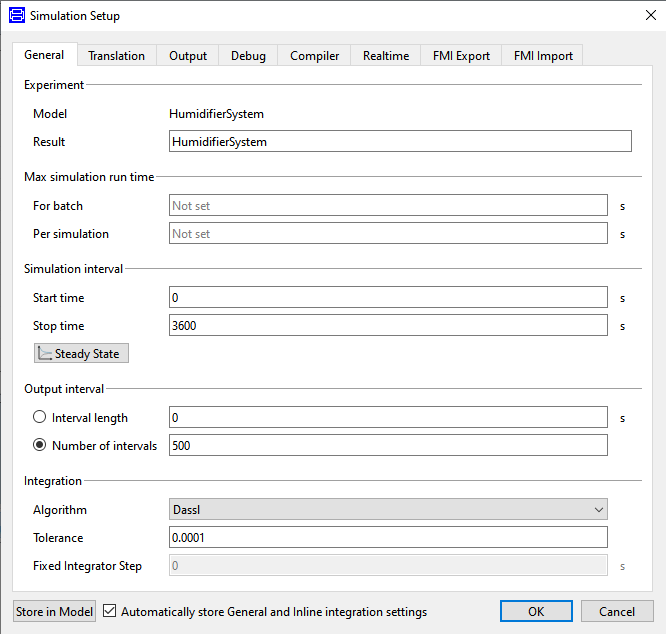
In the Simulation tab toolbar, click Simulate.
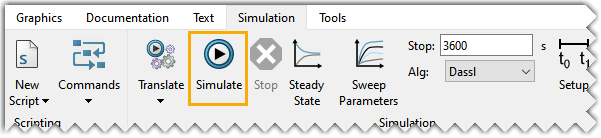
When the simulation is completed, the output is displayed in the panel at the bottom and the HumidifierSystem variables are displayed in the Variable Browser.
- To see the input and output of the EnvironmentModel, variables from the Variable Browser must be chosen. Selecting EnvironmentModel > _Environment > room > humidity_out will display the humidity level of the room overtime on the plotting window.
Overview
Content Tools