There are several creation dialogs and submenus available in the modeling tool:
- Element Creation dialog and/or submenu are available via the Create Element command. The dialog and submenu display a list of commands for creating specific elements.
- Relationship Creation dialog and/or submenu are available via the Create Relation command. The dialog and submenu display a list of commands for creating specific relations.
- View Creation dialog and/or submenu are available via the Create View command. The dialog and submenu display a list of commands for creating specific views.
The corresponding commands are available in the element shortcut menu displayed upon right-clicking an element.
Instead of using predefined creation dialogs that come with the modeling tool, you can create custom model-based creation dialogs listing only the commands of your choice, allowing you to customize the creation dialogs based on the needs of your specific project.
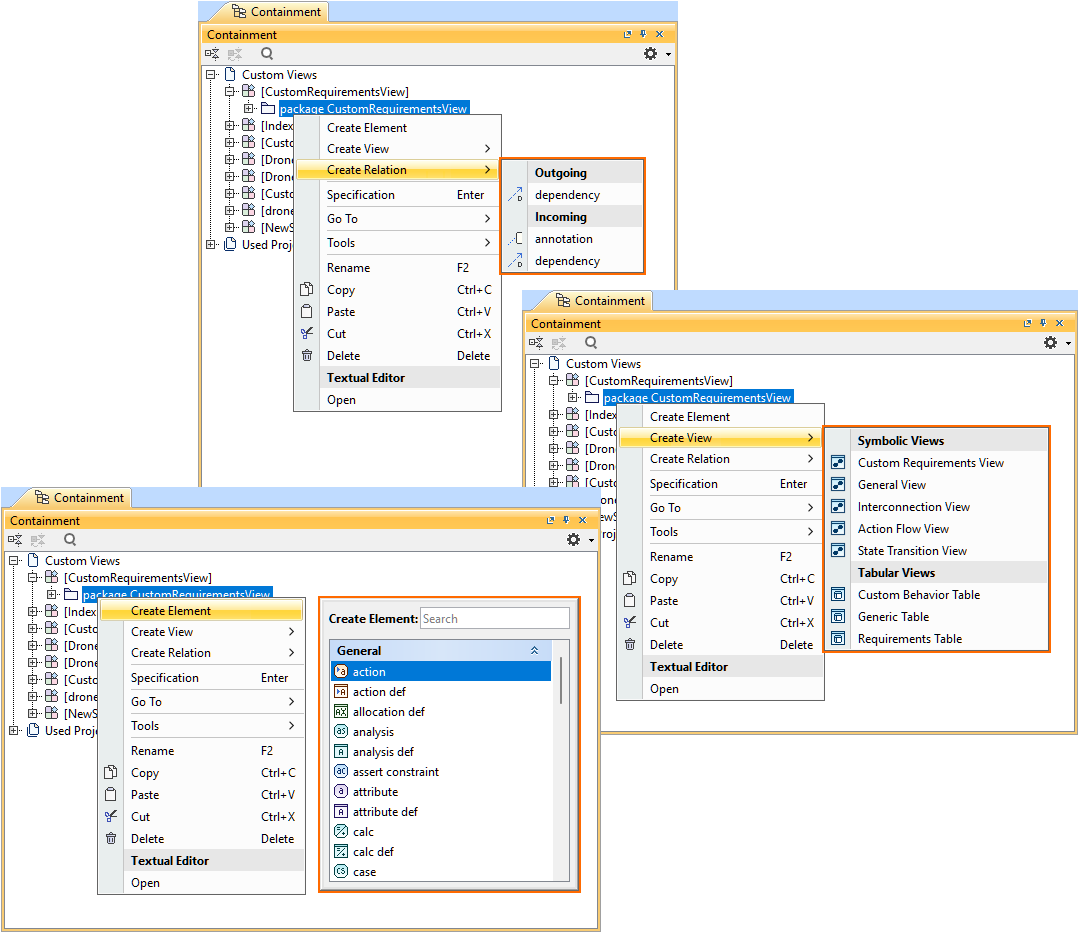
Relationship Creation submenu, Element Creation dialog, and View Creation submenu.
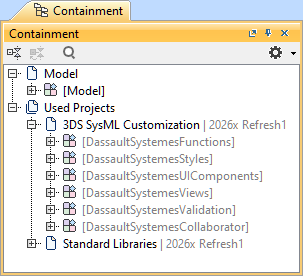
3DS SysML Customization library structure
The 3DS SysML Customization library contains the DassaultSystemesUIComponents namespace that enables the customization of creation dialogs:
- <DS_UIComponents> DassaultSystemesUIComponents
- CoreUIComponents
- Operations. Contains concepts designed for view palette creation and Creation dialog customization.
- Components. Contains concepts designed for view palette creation and Creation dialog customization.
- Palette. Contains concepts designed for view palette creation.
- Dialogs. Contains concepts designed for Creation dialog customization.
- UIComponents.
- Contains a predefined view creation dialog.
- ViewsTemplates. Contains model elements used to define the actions of templated buttons for creation dialogs, which in turn duplicate the template into the model.