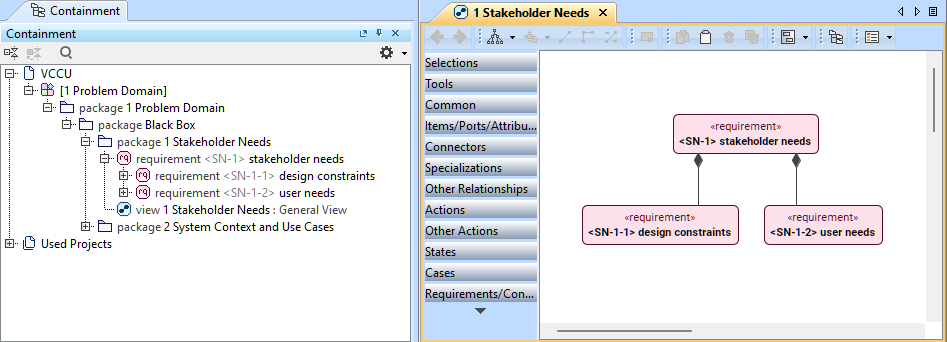
Model management options
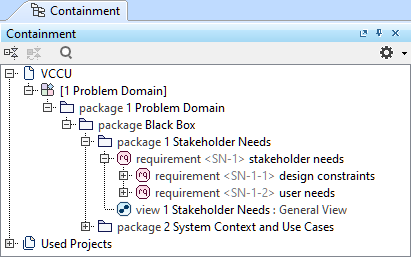
Containment tree
The Containment tree displays the hierarchy of your model elements, allowing you to review, organize, and modify the model. By default, the Containment tree has the Essential Elements Only mode enabled, displaying the model's essential elements most relevant to your modeling process. Disabling this option displays all model elements, including those less relevant to your modeling process.
Learn more on the Working with Containment tree page.
Textual Editor
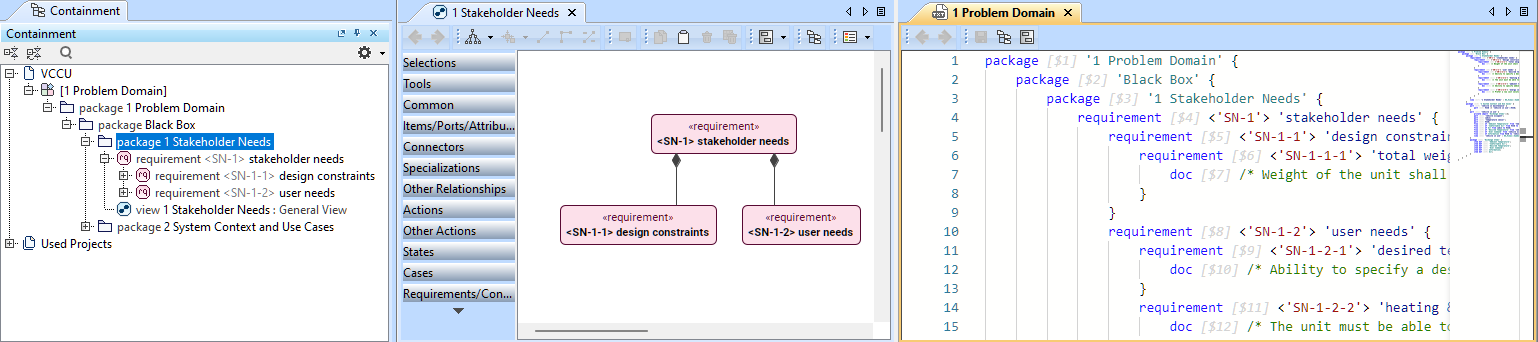
Textual Editor is akin to a code editor allowing you to view and create your model using textual notation in a code-like format. The Textual Editor displays the model of a specific root namespace.
Learn more on the Working with Textual Editor page.
Views
Views allow you to create a specific view of the model and create and modify model elements and their symbols. They do not display the model in its entirety with all of the elements the model contains. A view represents a particular set of model elements, encompassing a particular view of the model.
Learn more on the Working with views page.