
...
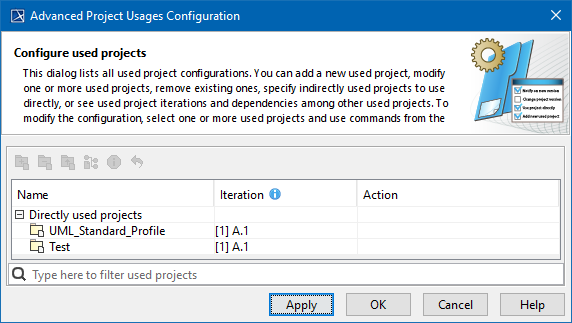
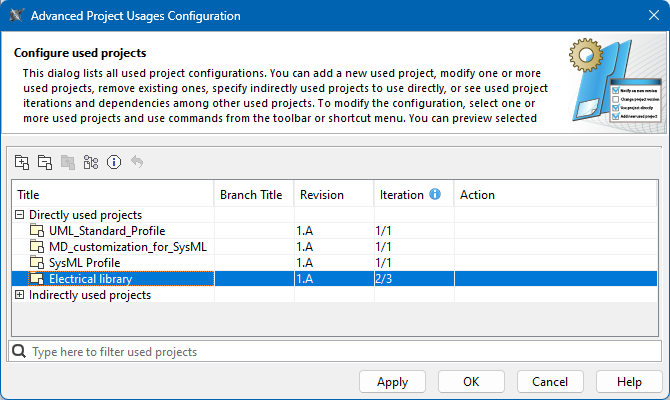
To open the Advanced Project Usages Configuration dialog
...
- Login to the 3DEXPERIENCE platform.
- Open your server project.
- On In the main menu, click Collaborate > Project Usages > Project Usages. The Project Usages dialog opens.
Click the
button. The Advanced Project Usages Configuration dialog opens.
- In the Project Usages dialog, click
 .
.
Tip title Search bar
In this dialog you can make various modifications for one or more projects at a time. Select one or more used projects and use the commands in the toolbar or shortcut menu to:
...