
...
To enable or disable the Cameo DataHub Confirmation dialogs in MagicDraw®
...
- Open the Cameo DataHub Options dialog.
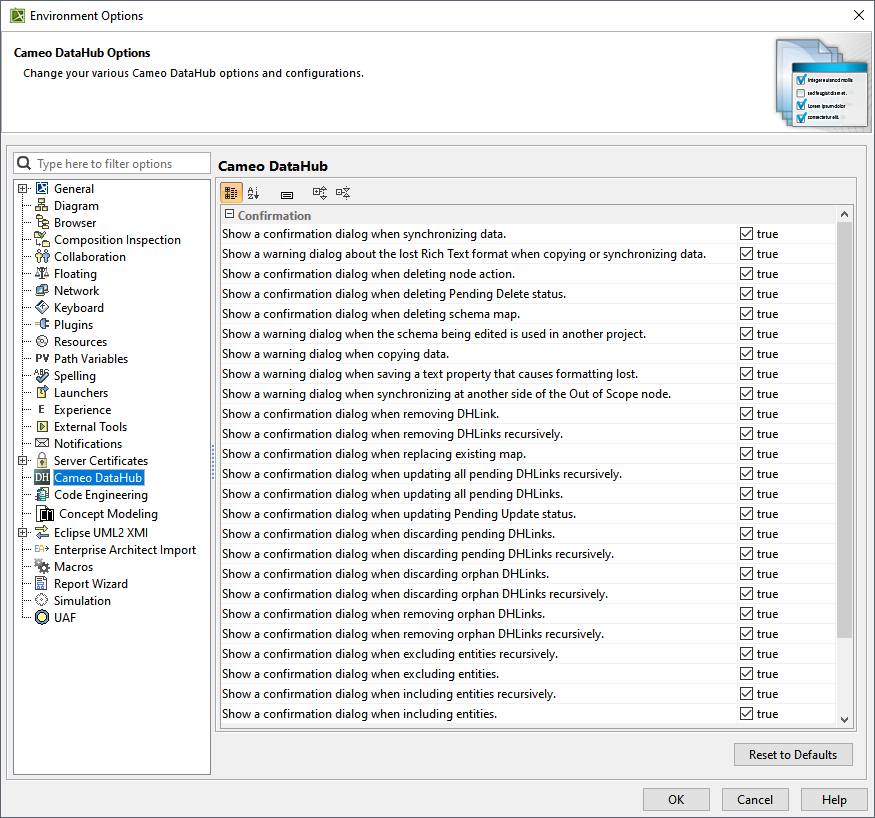
- Go to the Confirmation group and select or clear the checkbox as per your requirement.
- Click OK.
...
...
To enable or disable the Cameo DataHub Confirmation dialogs in MagicDraw®
...
...