
Before connecting a Data Source to a driver, you need to have the DataHub Explorer tab open in MagicDraw®.
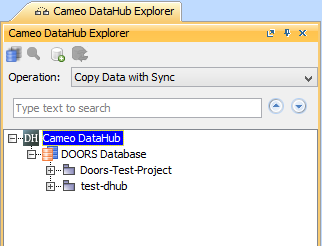
To open DataHub Explorer
- Start MagicDraw® and create a new project or open an existing one.
- From the MagicDraw® main menu, click Tools > DataHub > DataHub Explorer. The DataHub Explorer tab opens.
Related pages
| Children Display |
|---|