

History allows you to track changes made to the project. You can expand History and see all of the particular resource's versions, who committed them, and when. A commit will also include a description of the changes that tells you what has been changed in the resource. To view resource history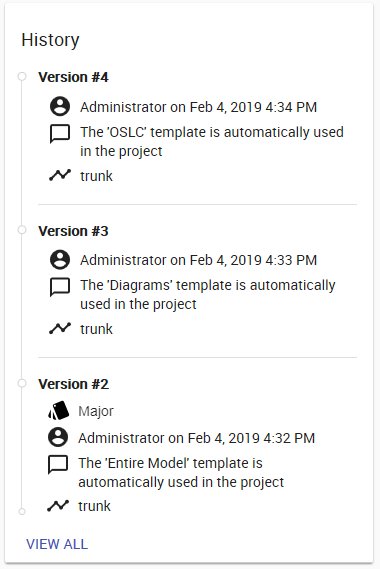
Resource history card.
Magic Collaboration Studio 2022x Refresh2 Documentation
Overview
Content Tools