

To use a path variable to share OWL import catalog files
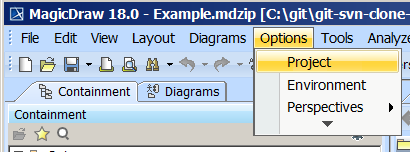
- Click Options > Project.
- In the left column, select General > Concept Modeling.
- Click in the field next to OWL Import Catalog.
- Click the ... button.
- Select the XML catalog file.
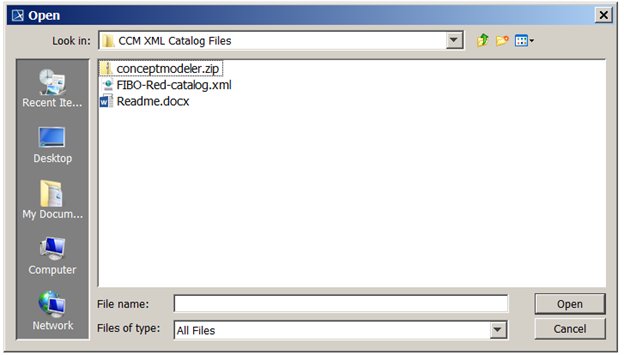
Click Open.
Select the path to the OWL import catalog that includes the defined path variable.
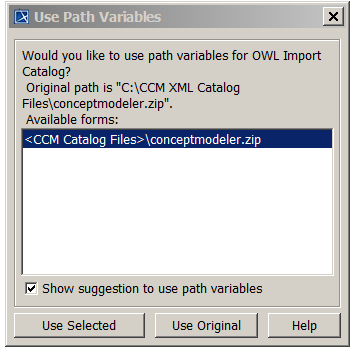
Click Use Selected.