

Teamwork Cloud data markings help to classify resources with custom-defined access levels. They are shown if they were enabled and created in Teamwork Cloud Admin.
You may see Teamwork Cloud data markings when you:
- try to open a server project from Teamwork Cloud,
- want to manage a server project, or
- need to use a project in your project.
If set, Teamwork Cloud data markings are displayed in an appropriate column of a dialog:
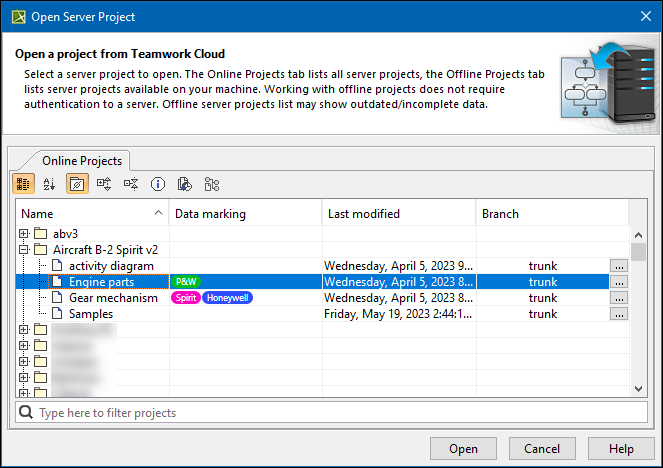
Open Server Project dialog with Teamwork Cloud data markings.
If there is an access level set on a project and you want to use that project in your project, your project must have the same or more strict access level rights. Otherwise, you see a warning:
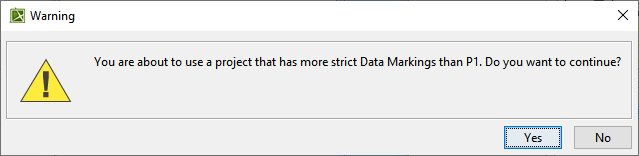
If you decide to use a used project with a stricter access level in your project, users must also have the same or stricter access level rights to be able to open your project.