

Related Pages:
In the message prompt, if you select No, the prompt will always pop up; otherwise, Concept Modeler will update your styles. The option called “Ask to update outdated symbol styles” which prompts you to update symbol styles when styles are out of date is set to True by default. However, if you set it to False, then the prompt window will not show.
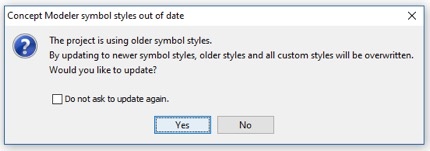
Figure: You will get this popup message when you load an older Concept Modeling project with an older set of symbol styles.
To enable/disable the “Ask to update outdated symbol styles” option:
- On the main menu, click Options then Project.
- In the Project Options window, click on General then Concept Modeling.
- In that window, find the “Ask to update outdated symbol styles” field and check the box so it says true.
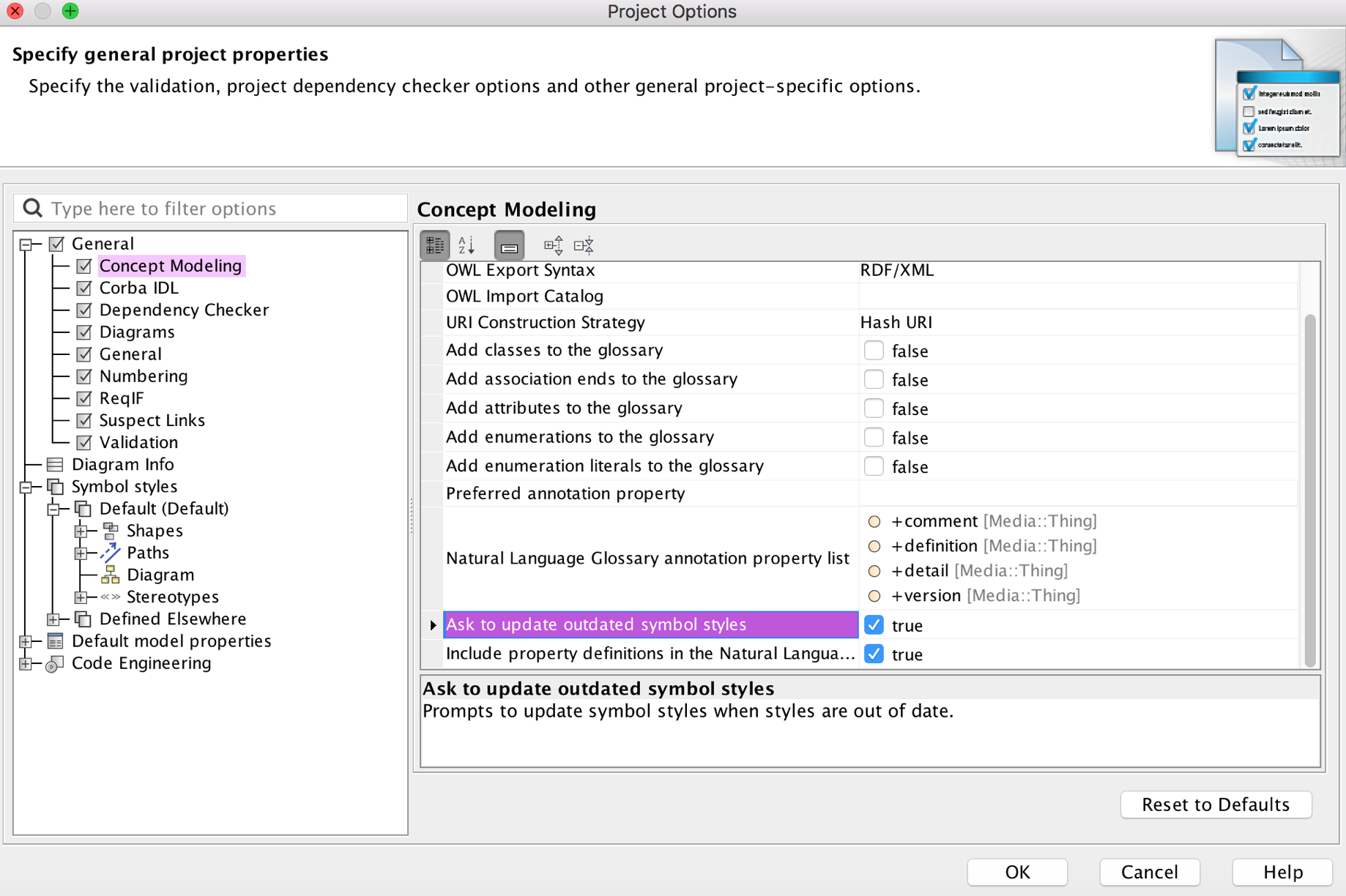
- Click OK.
Related Pages: