

After an author Sharing published project with reviewers, the reviewer can start the review of this project version and give feedback to the author. If the reviewer is going to provide the feedback, he must be an authenticated user of Cameo Collaborator.
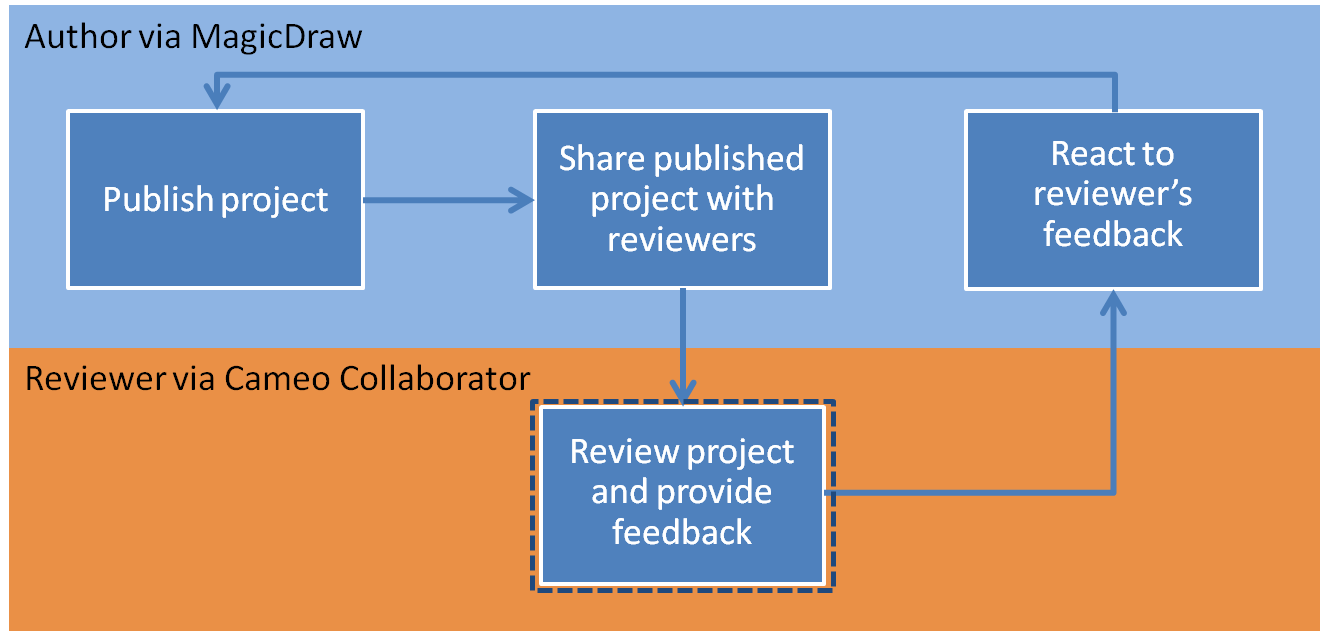
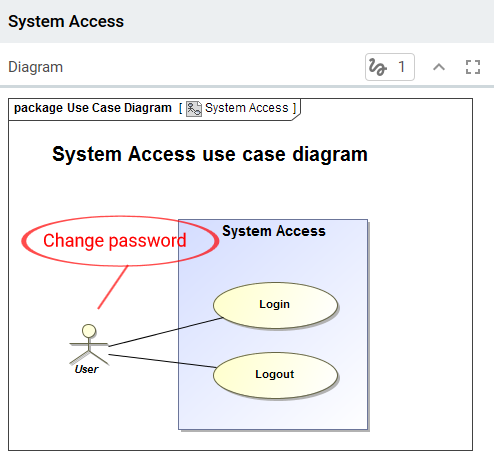
The feedback can be provided in a form of textual and graphical comments. Textual comments can be given on any element (including its properties of the Standard mode), while graphical comments can be attached to diagrams, maps, and matrices.
Important
Cameo Collaborator 18.0 SP3 does not support Internet Explorer 9. Make sure you open a published project using another internet browser.
To review and provide feedback on project
- Log on to Cameo Collaborator, unless you want to review a Providing a link to the published project#public.
Open the published project you need to review.
You may be asked to log on to Cameo Collaborator. Type user name and password for logging on to the server and click Login.
- Do the following:
- Review structure of the model.
- Review element characteristics.
Review diagrams, matrices, maps, and tables.
- Creating and editing textual comments on single items.
- Draw on diagrams to Creating and editing graphical comments.
- Replying to textual comments, if there are other reviewer's or author's comments.
- Resolving comments.
Save the diagram as an image.
If the user is in the Views and modes of a published project, callouts and graphical comments are shown in the saved image. There is also a possibility to open the image in a new tab.
If you choose the .svg format, the Open image in new tab and Save image as commands do not work when browsing a project in Internet Explorer versions 10, 11, and Microsoft Edge. To solve the problem, select the .png format or use a different web browser.
- When you finish, inform the author so that he/she could Reacting to reviewer's feedback.
Related pages