

Use the Environment Options dialog to select a default macro language.
To select a default macro language
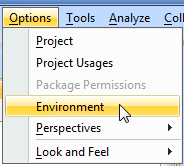
- Click Options > Environment on the main menu.
The Environment Options dialog opens.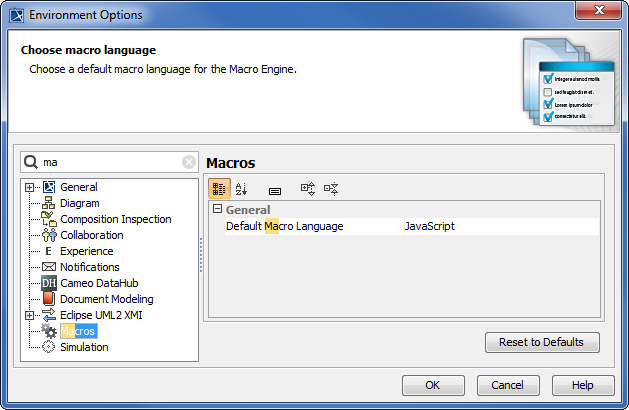
- Select the Macros node.
- Click the box next to the Default Macro Language box to see a list of supported programming languages, see figure below.
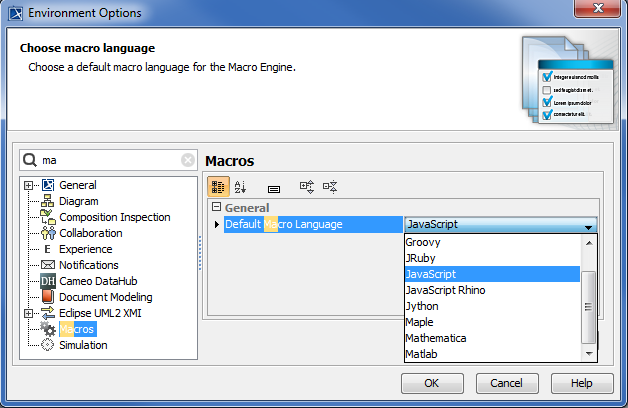
- Select Jython, BeanShell, Groovy, JRuby, or JavaScript.
- Click OK to save the selected language as the default macro language.
- JavaScript is the default macro language.
- Macro Engine currently supports BeanShell, Groovy, JRuby, JavaScript (Nashorn and Rhino), and Jython only.