

Import the license key to the FlexNet license server: Click the Import License button. If you want to re-import the license key file, select the Overwrite License File on License Server check box.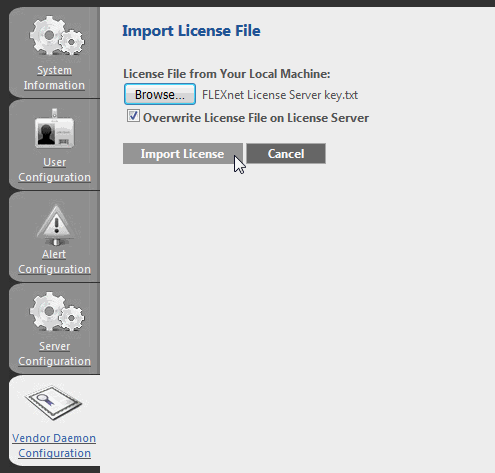
Magic Systems of Systems Architect 19.0 LTR SP2 Documentation
Overview
Content Tools