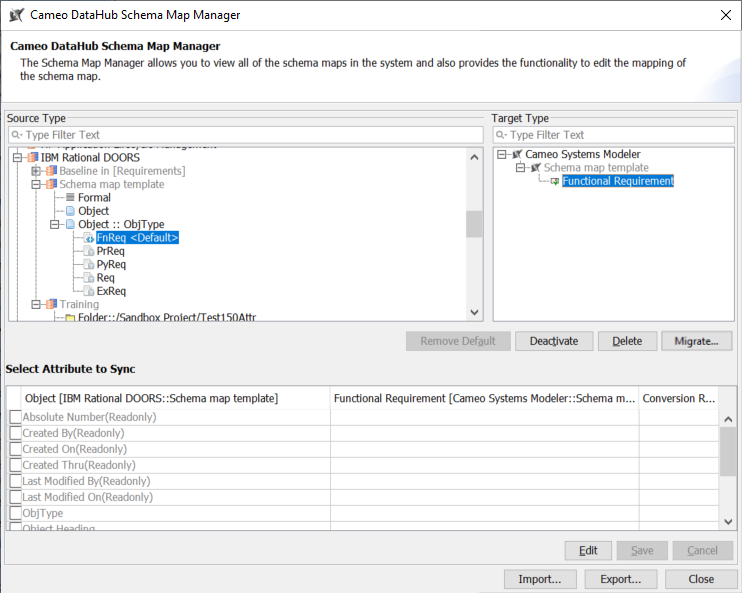
To import a schema map
- On the main menu, click Tools > DataHub > Schema Map Manager. The Schema Map Manager dialog opens.
- Click Import and choose the schema map file. The template will be updated with the new mapping.
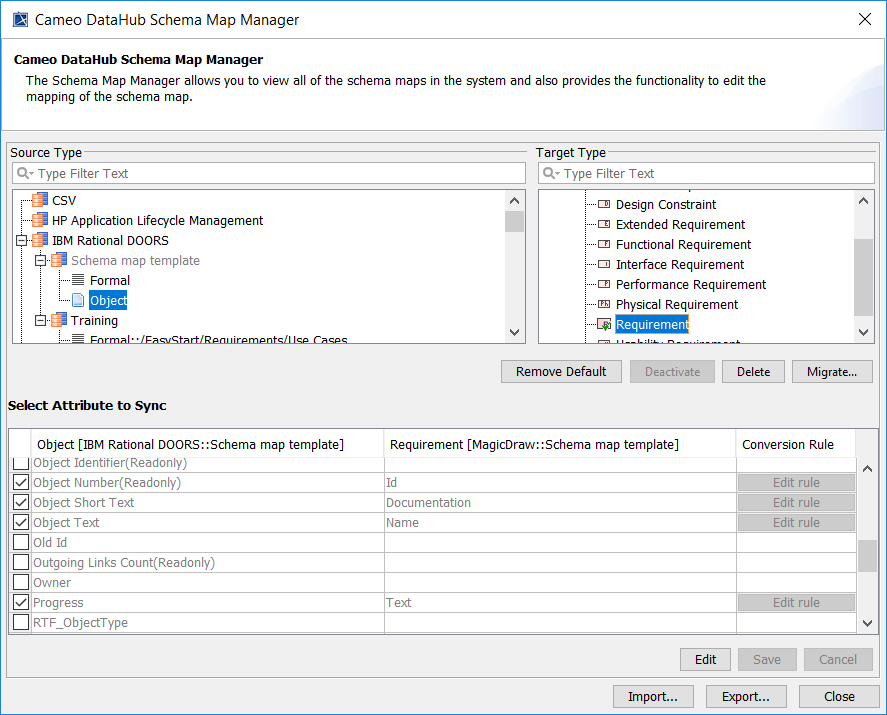
The updated template with the new mapping and without defined attributes.