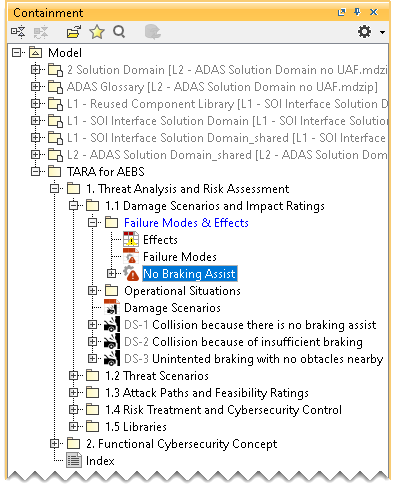
Creating a Failure Mode
To create a Failure Mode
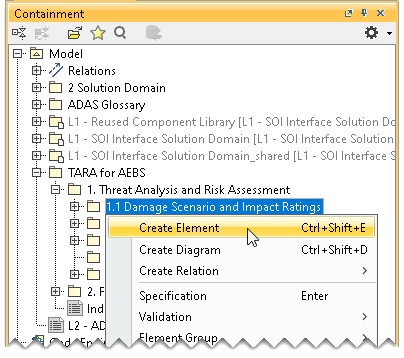
- In the Containment tree, right-click Damage Scenario and Impact Ratings and select Create Element.
- Do one of the following:
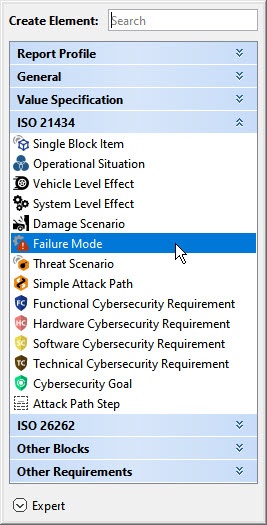
- In the dialog, expand ISO 21434 and select Failure Mode.
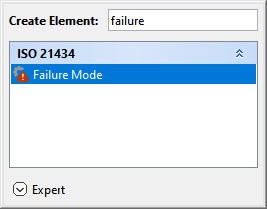
- In the search tab, type the keyword failure and then select Failure Mode.
- In the dialog, expand ISO 21434 and select Failure Mode.
- Name the created Failure Mode in the Containment tree and press Enter.